
API Access Authentication Method Settings
The API Access method issues client credentials for programmatic access: each client is a Client ID and Client Secret pair associated with a user account, which external systems use to obtain access tokens.
To add it, go to the Authentication tab, select Add and choose API Access.
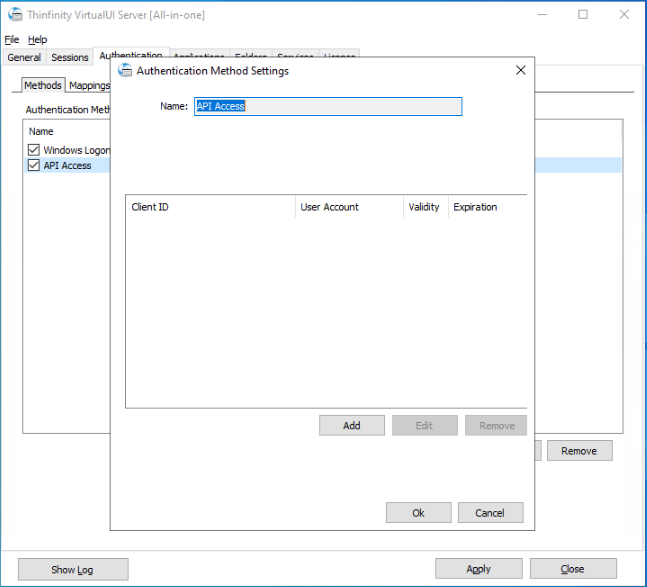
The editor shows the list of API clients, with their Client ID, User Account, Validity, and Expiration. Use Add, Edit, and Remove to manage them.
The API User Dialog
| Option | Description |
|---|---|
| Client ID | The public identifier of the API client. |
| Client Secret | The secret of the API client. Select the eye button to reveal it. |
| Associated User Account | The user account the client acts as. Select … to browse for it. |
| Token validity | How long each issued token remains valid, in minutes. |
| Expires after | Optionally set a date and time after which the client credentials stop working. |