
Configuring Load Balancing
Load Balancing is no longer available in Thinfinity VirtualUI. This capability is now provided exclusively by Thinfinity Workspace — see Load Balancing and Failover in the Thinfinity Workspace manual for details.
In order to configure a load balancing scenario, you need at least one Gateway installation and two Server installations.
Configuring the Gateway Roles
Under this role, VirtualUI responds to all web-page requests and, when a connection is solicited, it selects the appropriate Server to forward that request to.
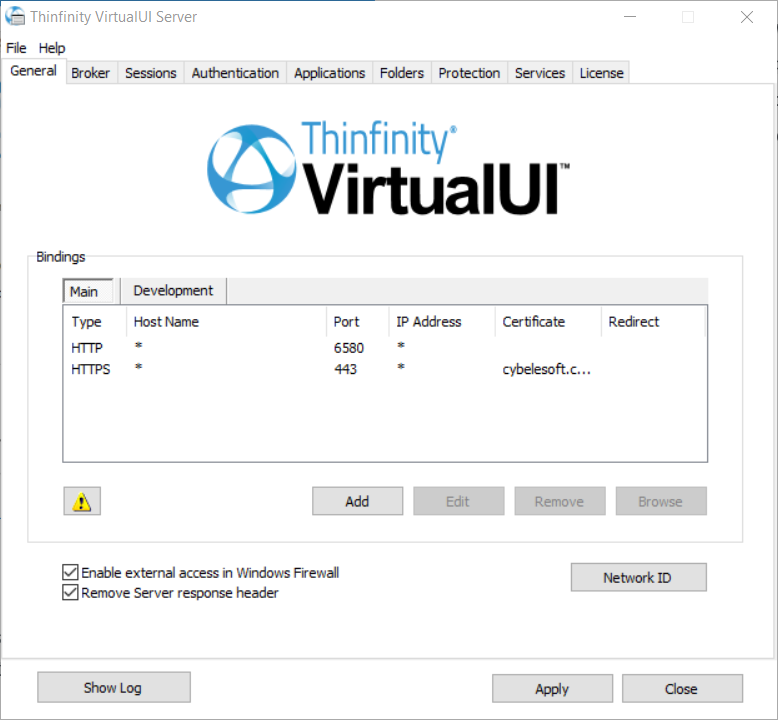
To configure the Gateway, open the Gateway Manager. Set the IP and port where the Gateway will run. If you only have one gateway, this is where the users will connect to. If you use more than one Gateway in your architecture, you will use this IP in the DNS server you set up to distribute the connection between the Gateways.
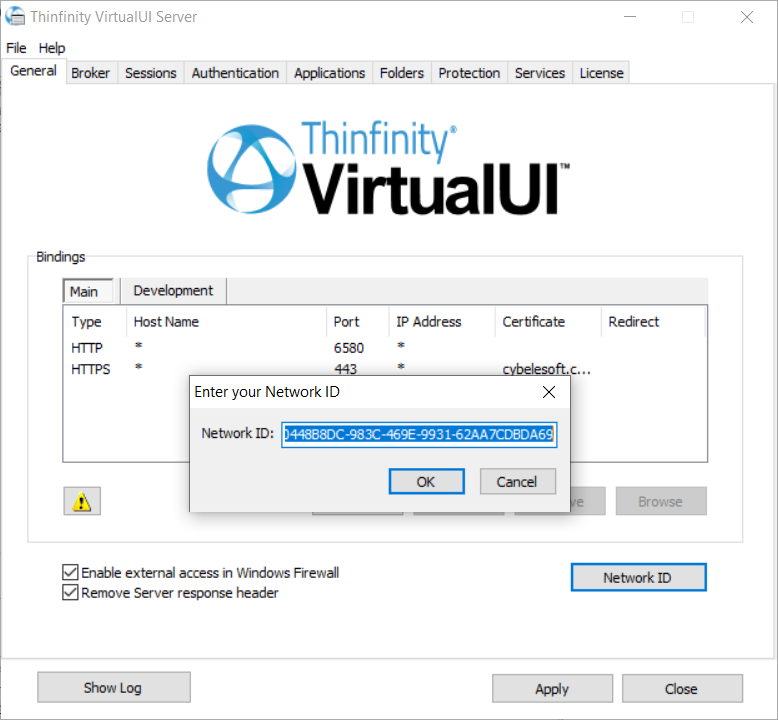
Also, set the Network ID. All the Gateway and Server installations involved in a Load Balancing architecture share the same network ID.
Configuring the Server Roles
Under this role, VirtualUI only processes forwarded connections. The Broker is responsible for establishing and processing the connections assigned by the Gateway.
To configure the Broker, open the Server Manager and go to the Broker tab. Select Add to add a gateway to the Gateway List.
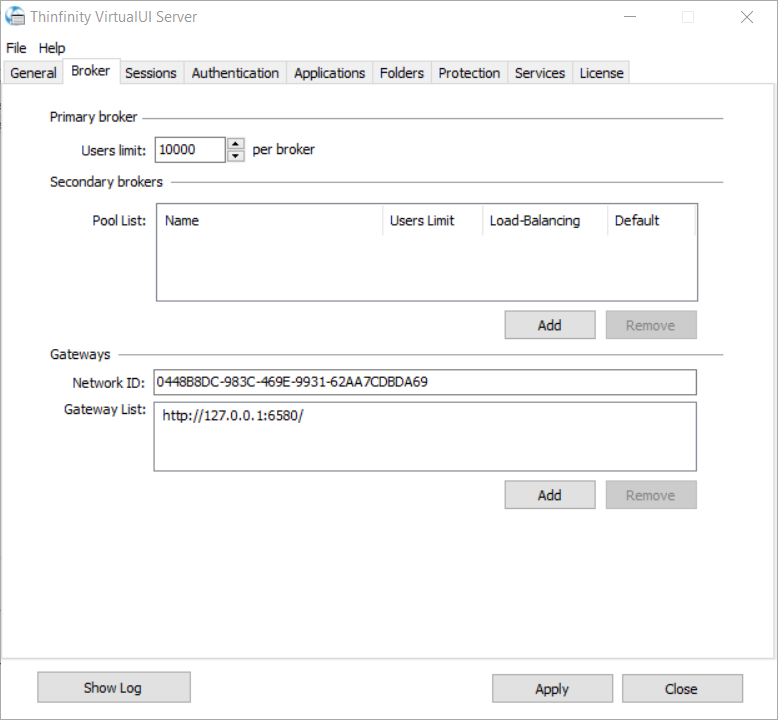
This means that now this server’s resources can be accessed through the listed gateways.
Important
Make sure that the Network ID is the same for all the gateways and servers involved in this load balancing architecture.
Then, go to the Applications tab:
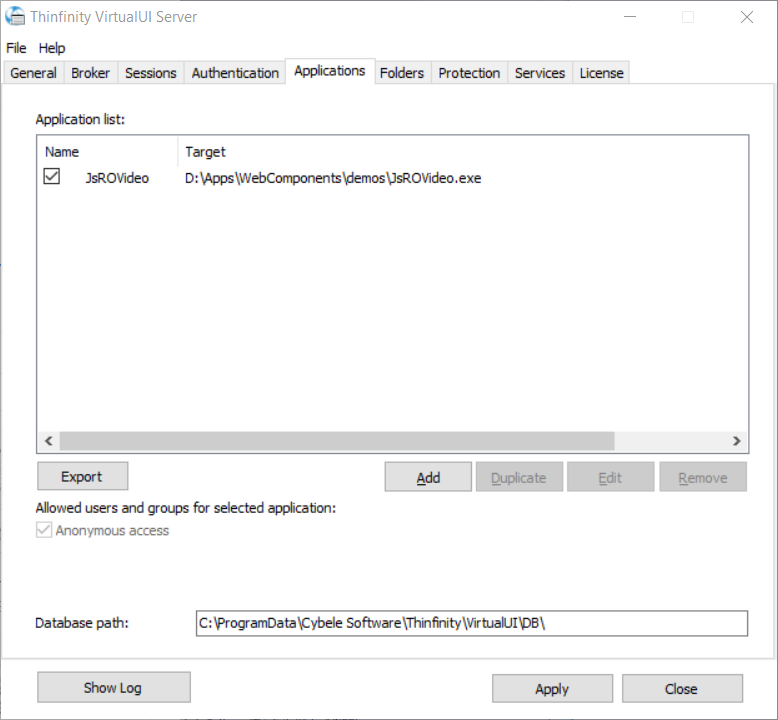
Set the Database Path field in a network location that you can access from the other Server role installations.
Once you share the database path, all the information in the Applications tab will be shared with other VirtualUI installations. Make sure you modify the Applications information from one installation at a time, as all changes will be reflected in the other installations.
Also, make sure all the Gateways’ IPs are public to the locations that will access Thinfinity VirtualUI through a web browser.