
Sharing your License over multiple Servers
Now that we have added a license to the License Server Manager, we need to bind that License to all the Brokers that are Load Balanced.
1
Open the Thinfinity VirtualUI Server manager, navigate to the Licenses tab, and select Manage.
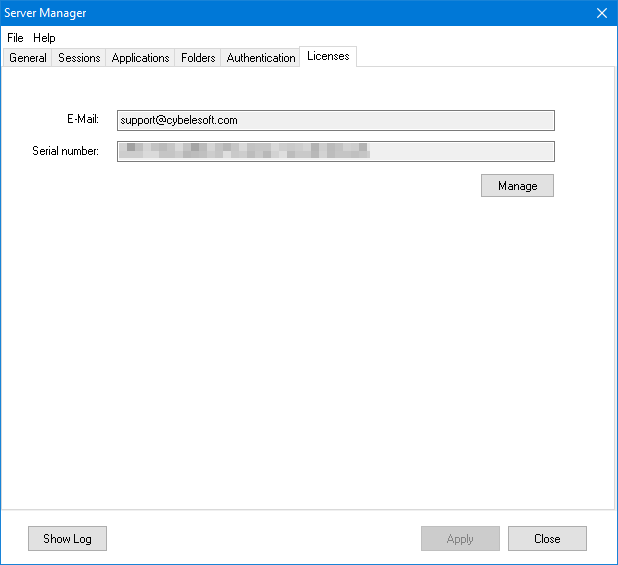
2
Select Add:
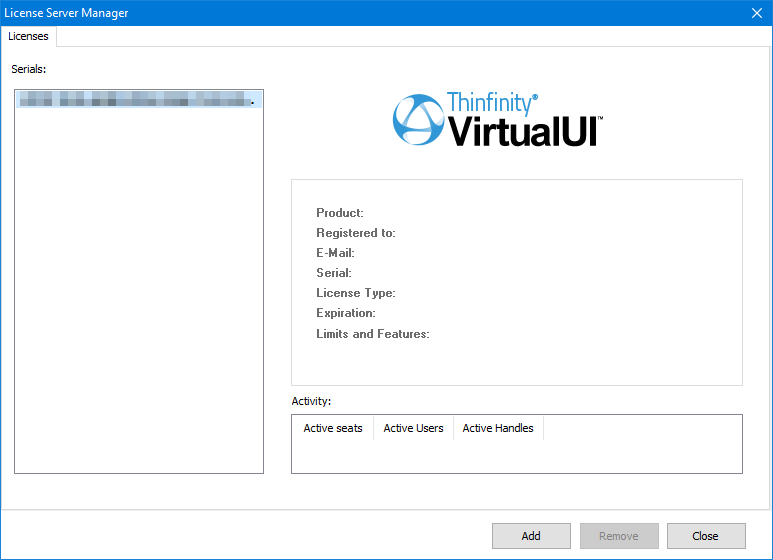
3
Select Activate a Serial Number online and select Next:
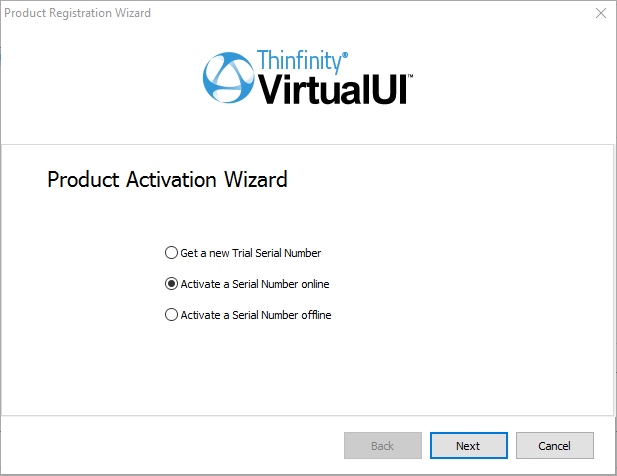
4
Type in your license information (E-mail + Serial), and add the License Server URL and Port number in the Licensing Server URL field:
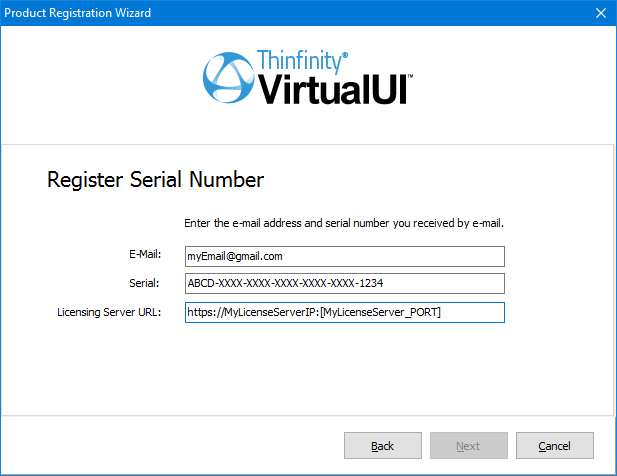
5
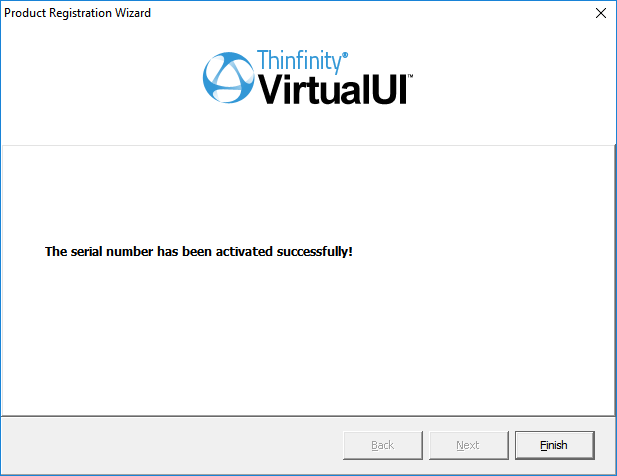
If the License Server is available and has that Serial number registered, the license will be registered successfully:
Repeat the process for all the Brokers you want to share the same license.