
Activate a Serial Number Offline
Manual Activation is an activation option only for those cases when you want to activate Thinfinity VirtualUI® in a machine that has no internet connection, or an internet connection restricted by heavy security policies that block a regular activation.
- If you haven’t tried a regular activation, follow these instructions: Activate a Serial Number Online.
- If your internet restrictions are caused by a proxy, follow these instructions: Proxy Activation.
Before you continue with the steps to perform a manual activation, please contact us.
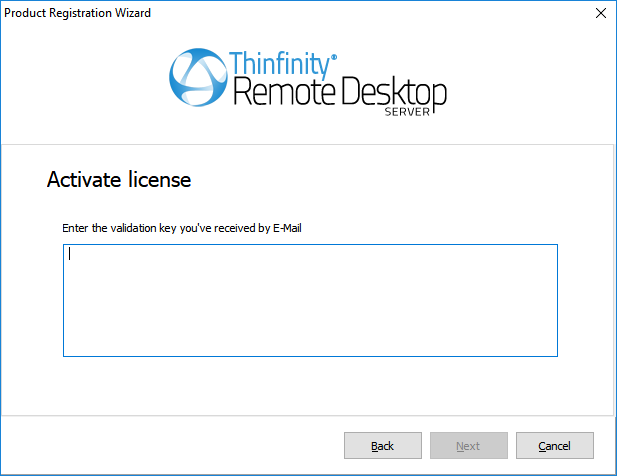
Once you’ve selected Activate a Serial Number Offline, you will see the following pop up:
| Field | Description |
|---|---|
| Serial | Enter the license Serial number to generate the manual activation key. |
| Generate Manual Key | After you have entered the serial number, select this button to generate the Manual Activation Key. |
| Manual Activation Key | After you select the Generate Manual Key button, a Manual Activation Key will appear in this field. Send this Manual Activation Key to support. |
| Manual License | The support team will reply with the Manual License, a code that you will enter in the field above. |
| Next | Select this button once you have performed the previous steps to complete your license activation. |