Installing the License Server Manager
1
Download the installer from the download page.
2
Execute the installer on the target machine.
3
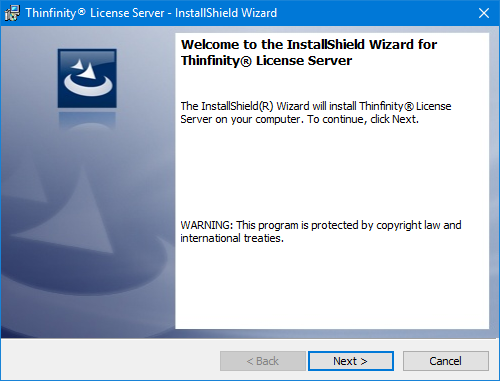
The InstallShield Wizard will be displayed. Select Next.
4
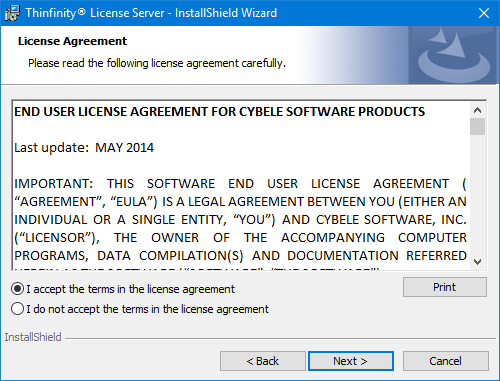
Select I accept the terms in the license agreement, and select Next.
5
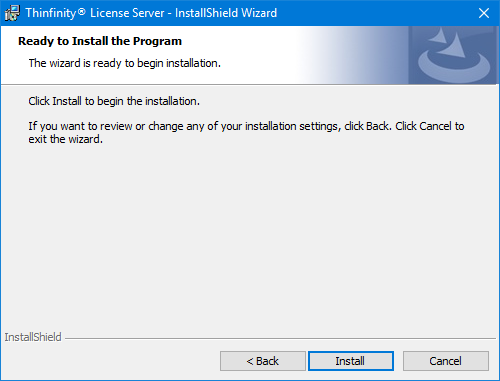
Select Install.
6
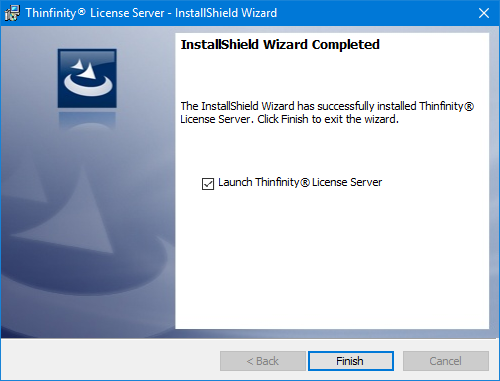
Once the installation is complete, you will be given the option to start the License Server Manager.