
Advanced Settings
z/Scope Anywhere settings and preferences are configured through the “Configuration Manager” tool. You can access it through the start menu “z/Scope Anywhere - Configuration Manager”.
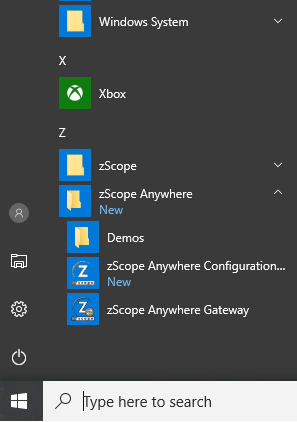
Alternatively, if you have installed the application user mode, you can access it from the tray icon bar, Settings menu:
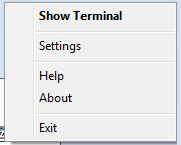
Select any of these categories to open the corresponding dialog. These dialogs will be explained in detail throughout the rest of this chapter.