
Virtual Keyboards
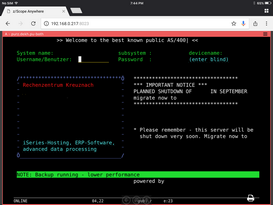
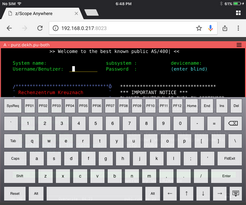
z/Scope Anywhere enables virtual keyboards when you establish connections through mobile devices.
Activate
The virtual keyboard will be activated automatically every time you get into a text field of the emulation screen.
Hide
To hide the virtual keyboard, select the Hide button in the bottom right corner.
| Action | Description | |
|---|---|---|
 |
Hide | Select this button to hide the keyboard. |
Change the Orientation
z/Scope Anywhere virtual keyboards adapt automatically to the device orientation.