
How to Configure DUO
Configure DUO Two-Factor Authentication
Follow these steps to configure DUO two-factor authentication.
On DUO’s web interface:
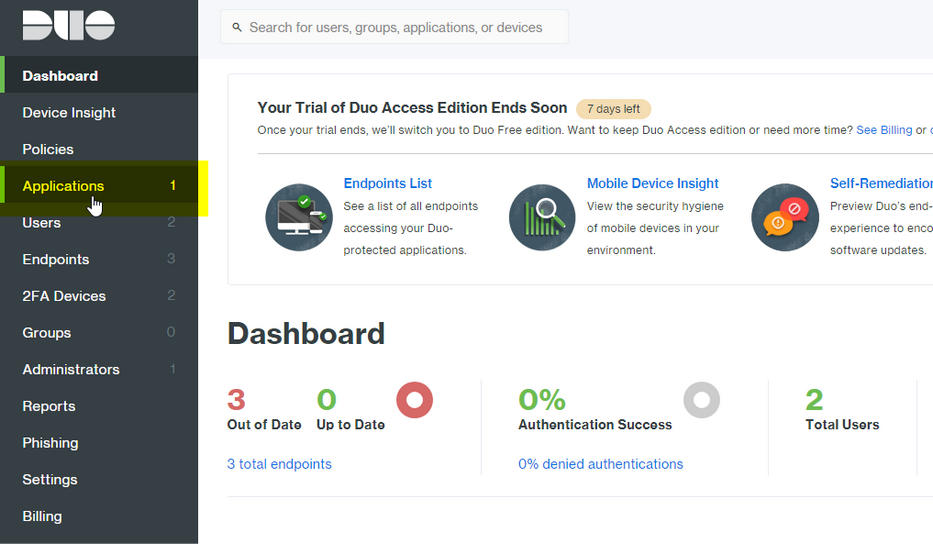
- Navigate to the Applications tab on DUO’s administrator website.
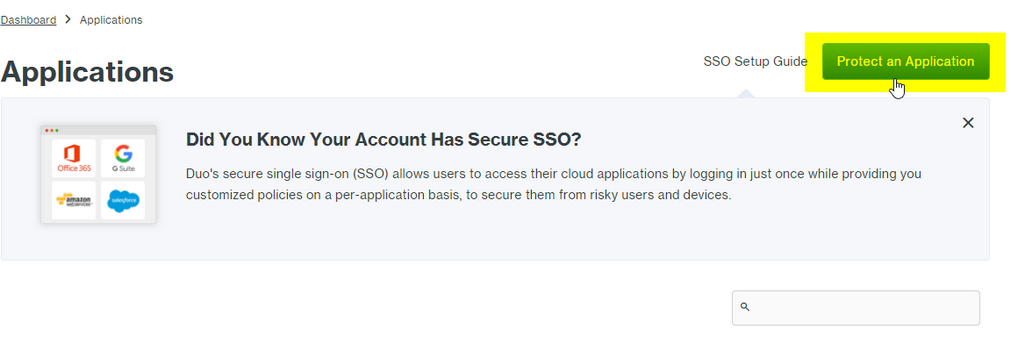
- Select Protect an Application.
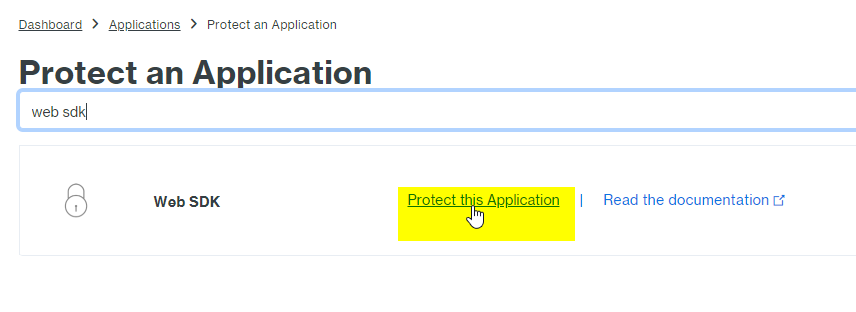
- Create a new Web SDK application and select Protect this Application.
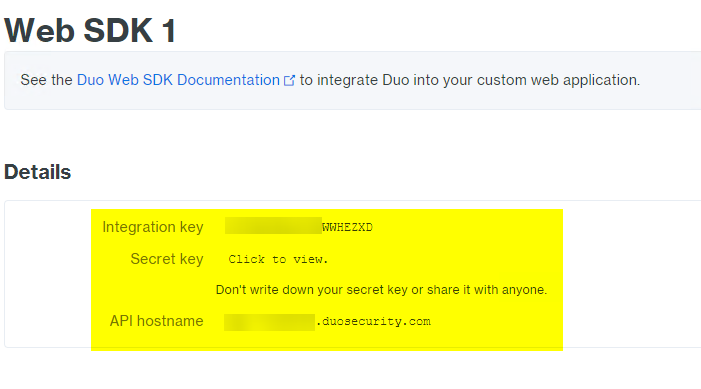
- Copy the Integration Key, Secret Key, and API Hostname.
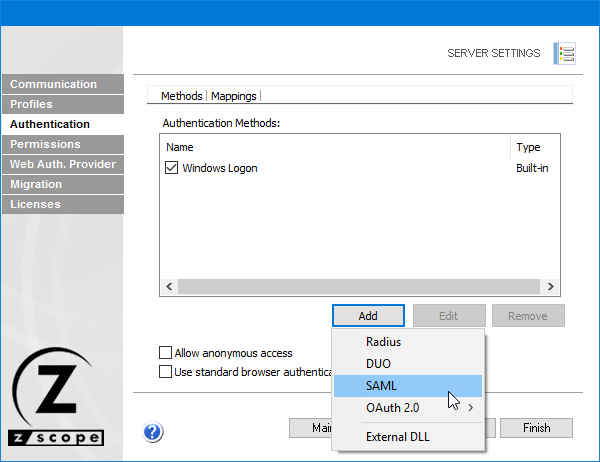
- Open the z/Anywhere Manager, select Server Settings, navigate to the Authentication tab, select Add, and then select DUO.
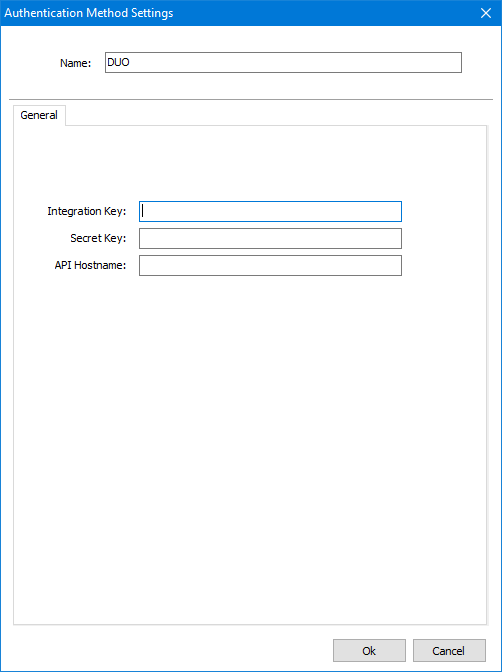
- Copy the Integration Key, Secret Key, and API Hostname provided by DUO, then select OK and Apply.
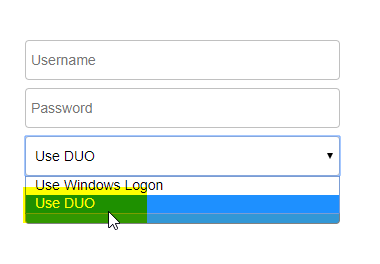
- Navigate to the Thinfinity login page, select Use DUO as a method of authentication, and enter valid credentials.
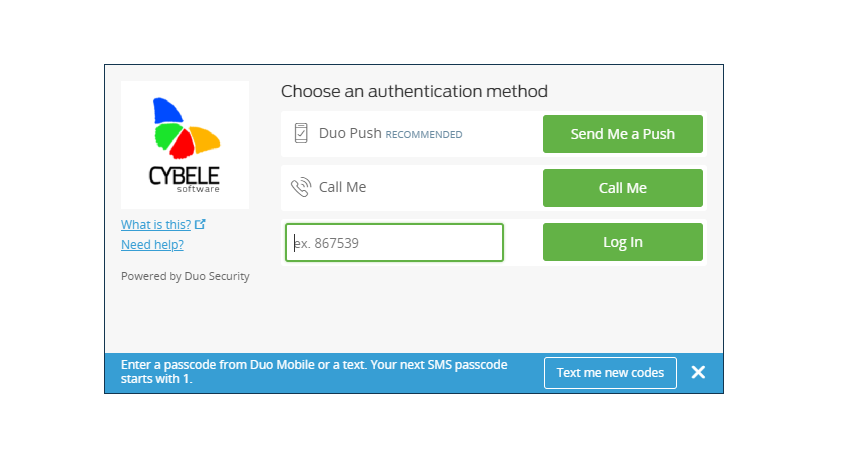
- You’ll be given the chance to authenticate using a valid DUO authentication method.
Once you validate your account, you’ll be redirected to the index page with the DUO user validated.