
IOS Extension - Bluetooth Keyboard Plugin
The new z/Scope Anywhere app loads your z/Scope Anywhere without a standard browser intervention, enabling a better bluetooth keyboard control.
Follow these steps to install the z/Scope Anywhere app:
- Go to the App Store
- Search for the ‘z/Scope Anywhere’ app.
- Download the application to your mobile device.
- Open it.
- You will see a screen asking for a z/Scope Anywhere URL:
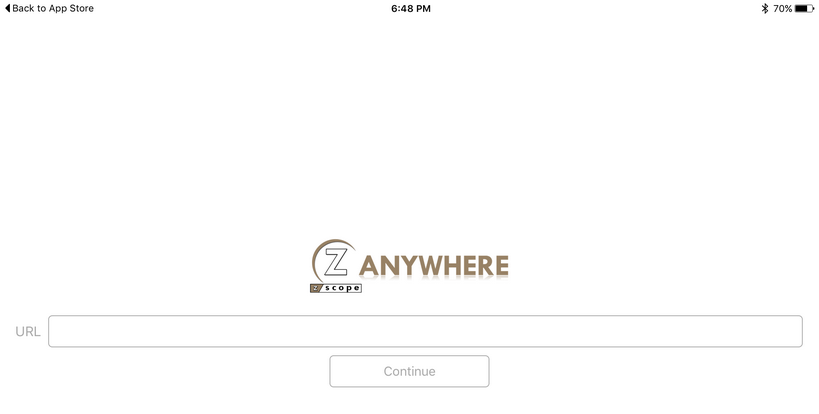
- Enter your z/Scope Anywhere server’s URL, formed by protocol://ip:port (e.g. https://192.168.0.2:8023). This is the same address that you would use to access z/Scope Anywhere directly from a browser.
- Wait until the application is loaded.
- Now you are ready to use the z/Scope Anywhere app!