
Char
In the Char tab you will find the following parameters:
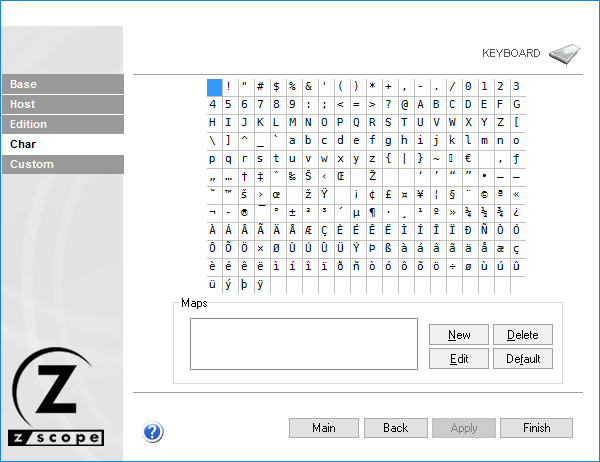
Character Grid
This is the entire character set. Choose the character you want to re-map.
Maps
This list contains all keys mapped to the selected character. To map a new key to the selected character, select the New button to display the on-screen keyboard where you can easily choose a key combination.
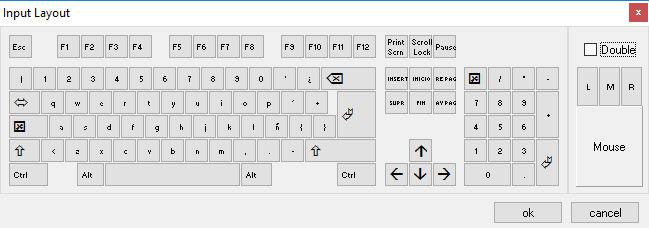
Select OK when done. The selected key/s will be added to the list.
If you want to change previously mapped keys, select the key you want to modify from the list and then select the Edit button. Use the on-screen keyboard to select a new key and then select OK.
To delete previously mapped keys, select a key from the list and then select the Delete Button.
To restore the default mapping for the selected key, select the Default button.