Configure SAML with Centrify
On the Centrify’s Admin Portal.
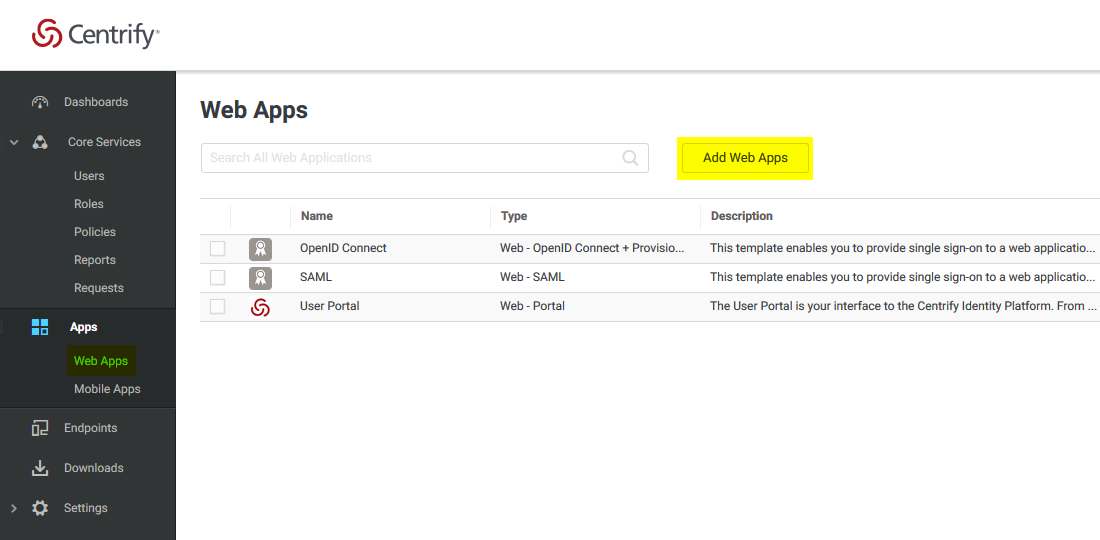
- Select “Apps” -> “Web Apps” :
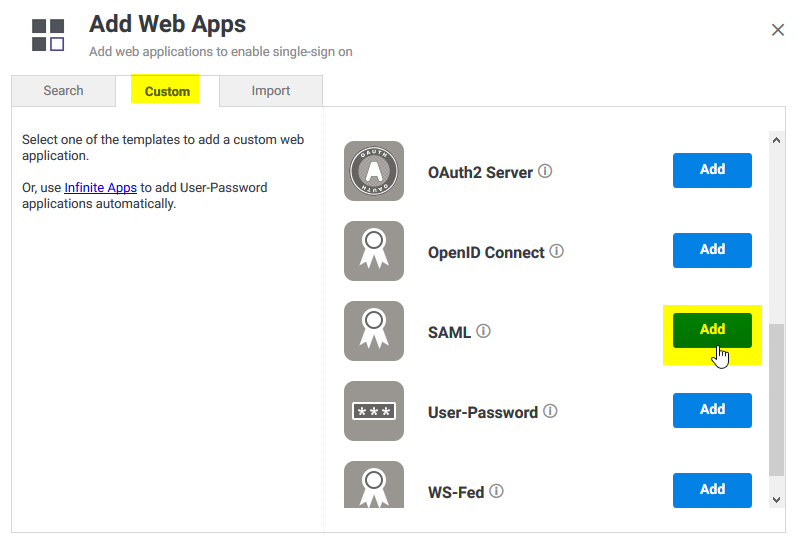
- Select “Custom” and next to SAML, press “Add”
- Give your application a name , and select the “Trust” tab .
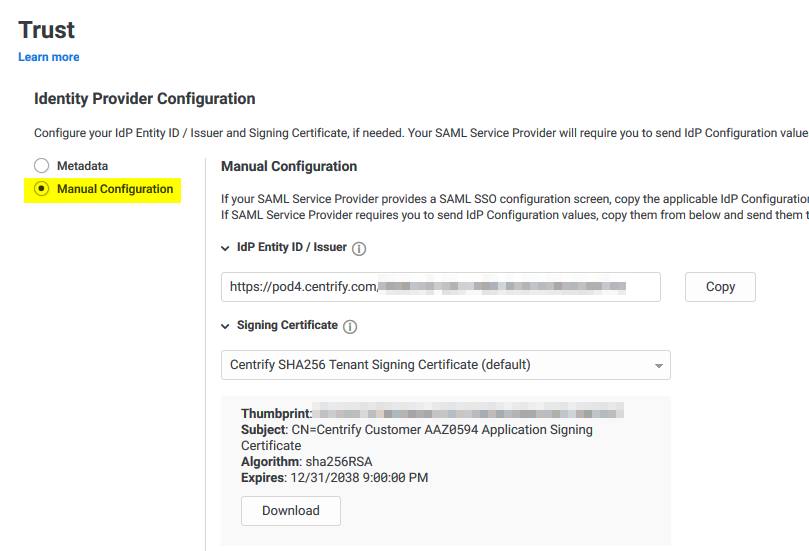
Select “Manual Configuration” , and copy the IdP Entity ID , and download the certificate provided by Centrify.
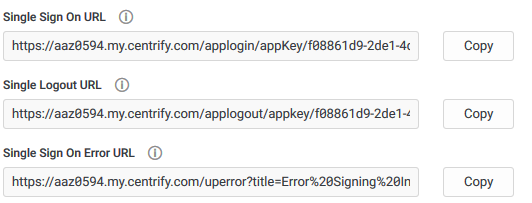
- Then copy the “Single Sign on URL” , and the “Single Logout URL” :
- Now , on the “Service Provide Configuration” , select “Manual Configuration” and configure the following :
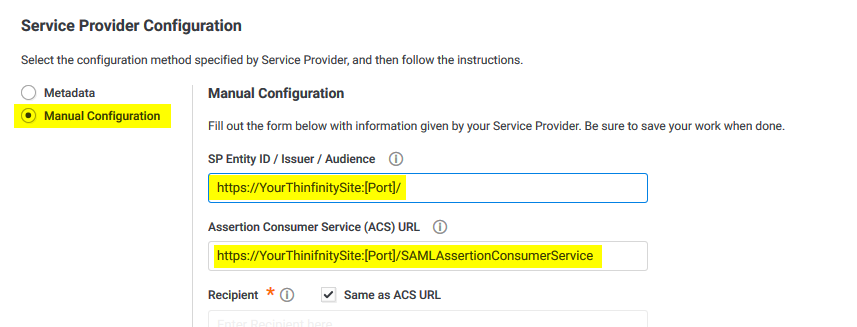
After doing these changes, select the “Save” button.
- Now we need to configure z/Anywhere with all this information .
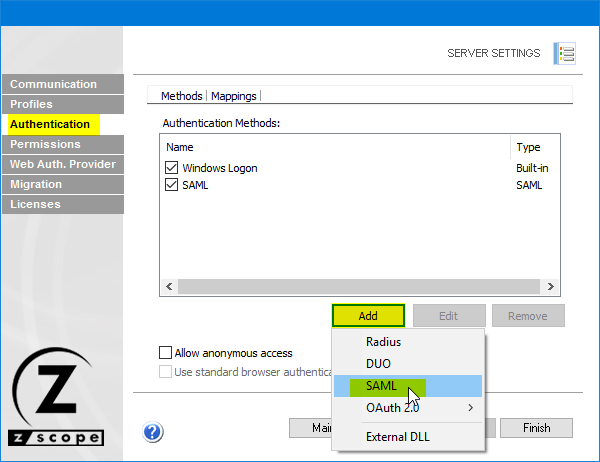
Open the Server Manager, select Server Settings, navigate to the “Authentication” tab, press “Add” , and then SAML :
- Now we must configure the connection itself :
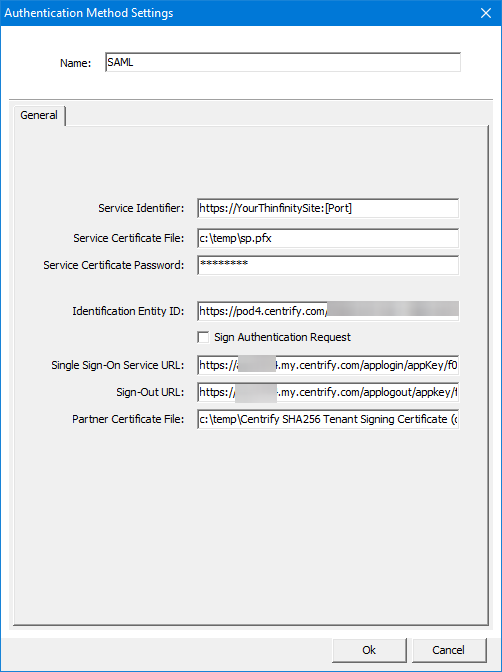
- Service identifier = https://YourThinfinitySite:[Port]
- Service Cert File = [Path_To_Your_Certificate]
- Service Cert Pass = [Certificate_Password]
- Identification Entity = [IdP Entity ID / Issuer]
- Single Sing on Service URL = [Single Sign on URL]
- Sign-out URL = [Single Logout URL]
- Partner Cert File = [Certificate Provided by Centrify] Once you configured it properly , click “Ok” and then “Apply”
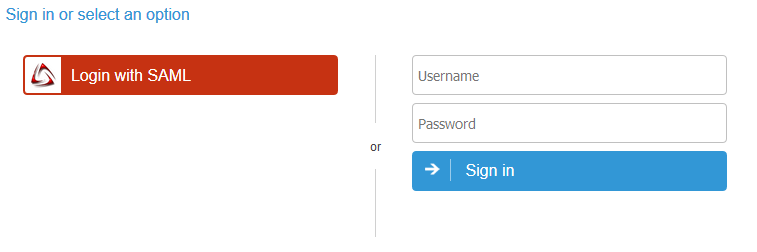
- Now go the Thinfinity landing page and you should see the “Login with SAML” option now available to use.