Setting the Rule Actions
The actions property object encloses a set of properties which keys must match the actions invoked within the web page. Their values are functions that take the HostSurfer instance as the only parameter and executes the methods which send the required keystrokes to the underlying terminal-based application and/or do other processing.
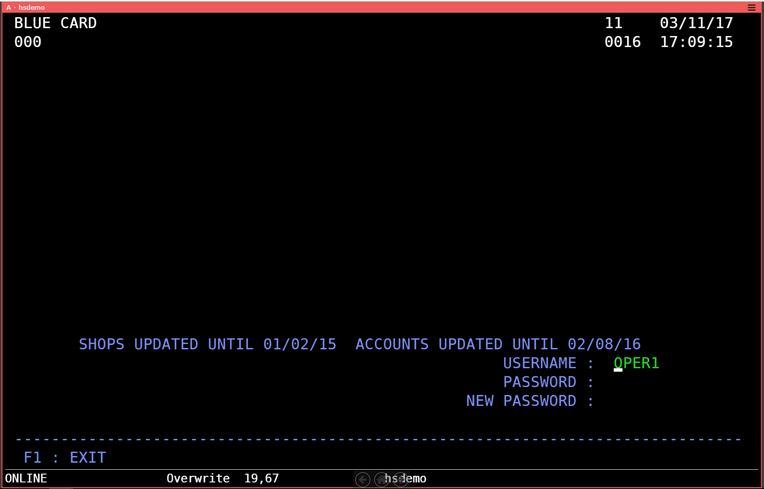
There will be just two actions for the signin rule called: main and exit. These will be called when pressing the Sign In and Exit buttons, respectively.
We will declare the action property as follows:
actions: {
  main: function(hs) {
    alert("action 'main' has been called");
    hs.send.enter();
  },
  exit: function(hs) {
    hs.send.pf1();
  }
}
The main action will show a message to the user indicating the main was called and then will send an
The exit action sends a PF1 keystroke, which instructs the terminal-based application to return to the previous screen, as shown in the selected screen for this rule