Creating a Connection from the Web
Follow the next steps and learn how to establish your first connection from scratch.
-
Open your preferred web browser.
-
Type in the z/Scope Anywhere address. In a server mode installation, configure this address in the Gateway Manager. In a desktop mode installation, find these settings in the communication tab in the Server settings.
-
Inform your username and password, if required, or proceed.
-
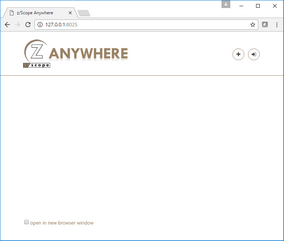
If you have the appropriate permissions, the Start Page will be presented to you.
-
Select New.
-
Give a name to the connection in the Connection Name field.
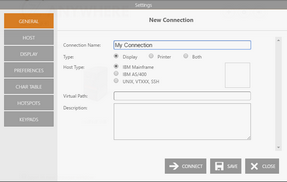
- Select the Host Type:
- IBM/Mainframe
- IBM AS/400
- UNIX, VTXXX SSH
-
Go to the Host tab and enter the host IP in the Address field.
-
Select Apply.
-
The new connection button will be shown on the Start Page. Select it.
-
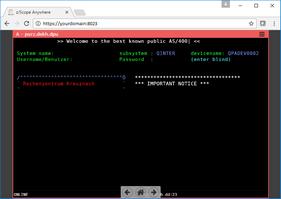
From this point on, you will be able to interact with the host through the emulation display that will be presented to you.