
Enabling Keypads
You may enable keypads for all connections from the Start Page or for a specific connection from the Connection View Menu.
From the Connection View Menu
| Action | Description | |
|---|---|---|
 |
Open the Connection View Menu | Select the Connection View Menu button in the top right corner of the Display Connection View and a menu will be presented. |
 |
Keypads | a. Select the Select Keypads menu option to view the available Keypads: • • 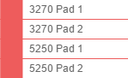 |
From the Start Page
-
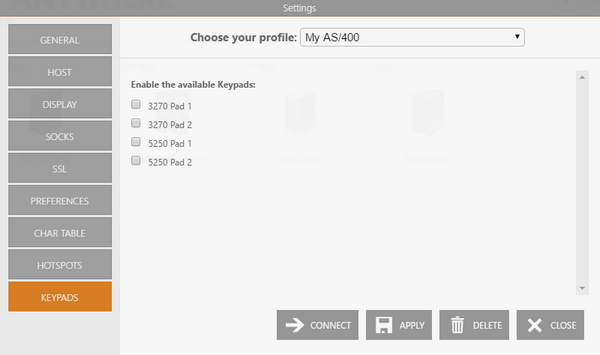
Select the Start Page Settings button.
-
Select the connection on the Choose your profile field.
-
Select the Keypads tab.
-
Check the keypads you want to enable.
-
Apply the changes.