
Using an External Character Table
After saving your own character table to a file, you can load it from within any connection. To do this, follow these steps:
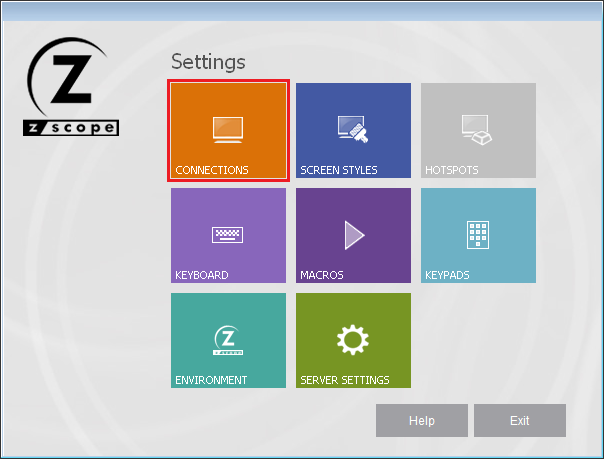
- Go to the Settings dialog and select the Connections icon.
-
Select the Char Table tab.
-
Select the Use external file option and type the full path of the (.ebc) file to use.
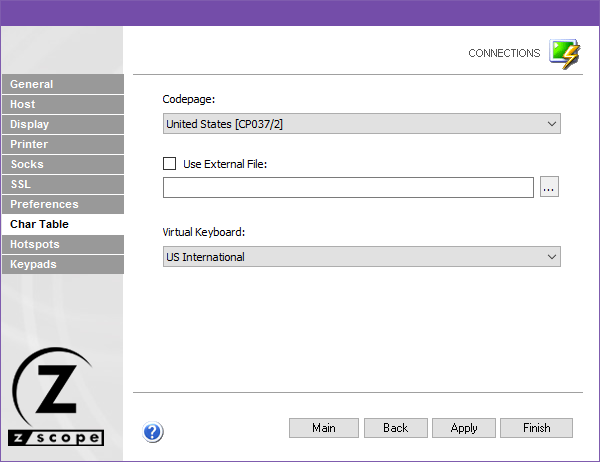
- Select Finish.
The next time you connect, the specified external conversion table will be loaded for the selected connection.