Navigation
On the main page bottom you will find the Navigation toolbar:
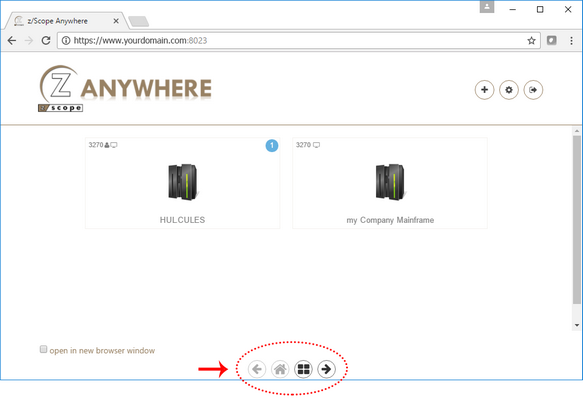
The Navigation toolbar includes the following options.
| Action | Description | |
|---|---|---|
 |
Previous / Next | This button goes back and forth the active sessions and the home connections page. You can also use it to see more connections when displaying them as a grid. |
 |
Home | This button takes you to the home page where you can see the connections. |
 |
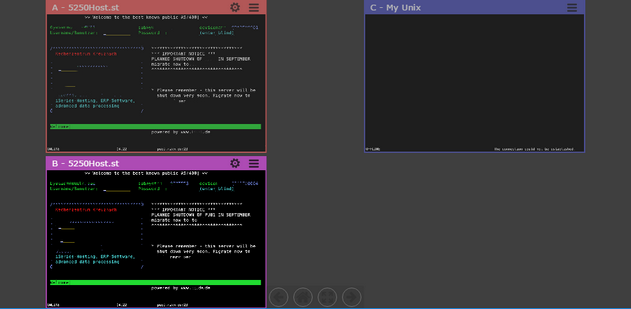
Connection Views | Select to display and choose a connection view. You can choose Coverflow, Gallery, and Grid. This button shows a grid with up to four active sessions, allowing you to work on different connections at a time while seeing all of them at the same time. Select each session to work on it. When there are more than 4 active sessions, you can use the Previous/Next buttons to see a different group of connections. |
 |
Restore | When you’re in Coverflow, Gallery, or Grid mode, select this button to show the classic, full screen connection view. |
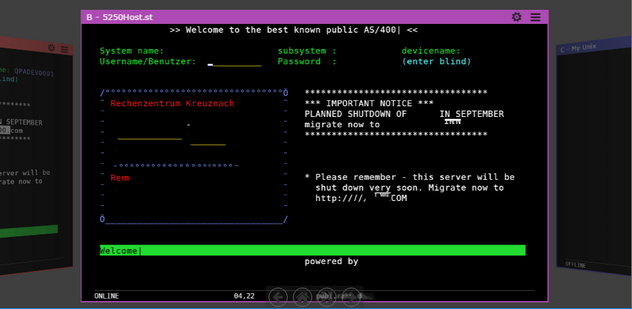
Coverflow Mode
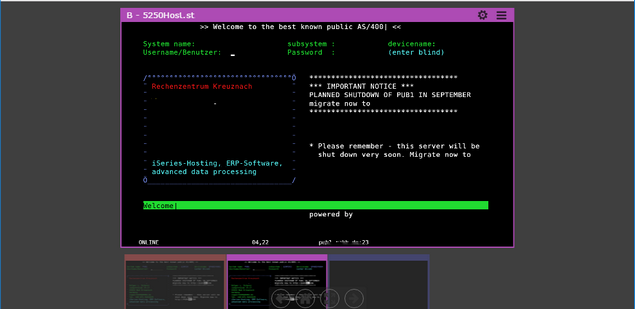
Gallery Mode
Grid Mode