
Creating/Editing Shared Connections
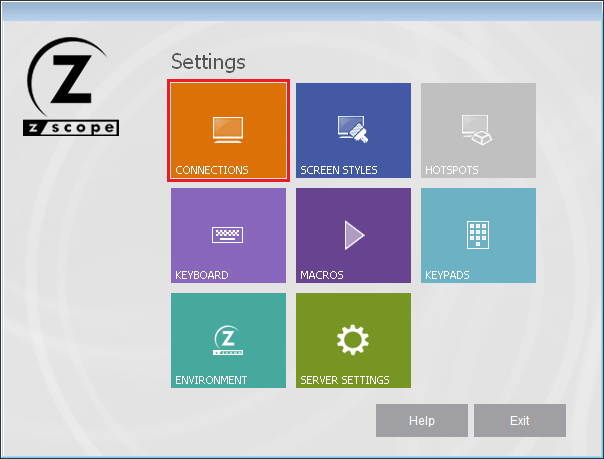
In order to create or edit a shared connection you have to open the Configuration Manager and select the Connections button:
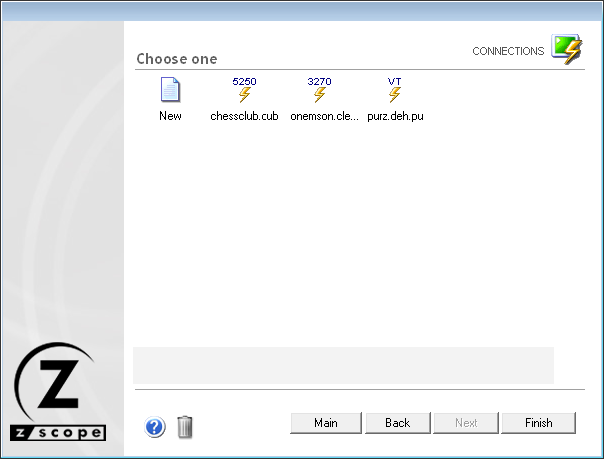
The Connections management dialog shows you a list of the existing Connections.
Creating a Shared Connection
Use the New icon to create a new Connection from scratch. Double-select the New icon and the Connection Wizard will be launched.
Modifying a Shared Connection
To modify the attributes of a previously created Connection, select this connection using the mouse and then select the bottom Next button, or just simply double-select it.
After you select a connection and select Next, you will be presented with a dialog in which you will have access to all the attributes of the Connection you are editing.
For a detailed description of each connection parameter, read the next topics: