
Using Screen Styles
To change the screen style for the current connection, go to the Start Page and select Settings.
-
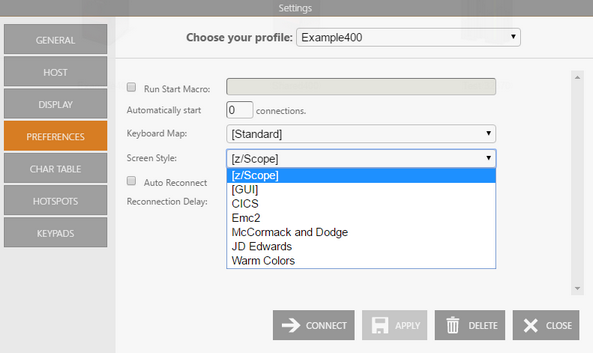
Select the connection in the Choose your profile field.
-
Select the Preferences tab and choose the desired screen style.
-
Apply the changes.