
Enabling SSL
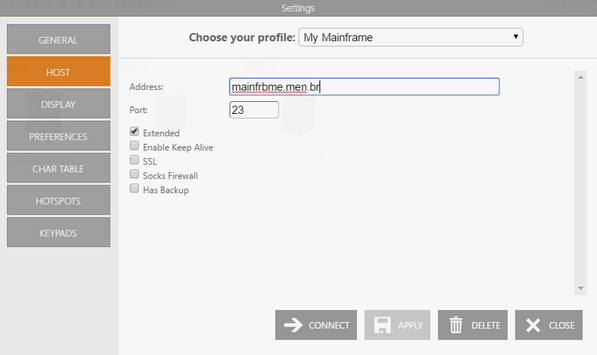
When connecting to a host that supports SSL, in order to take advantage of this technology you must activate the SSL option in the web Settings Host tab (Unix/VT Host tab or Mainframe or AS/400 Host tab). To achieve this, follow these steps:
-
Go to the Start Page and select Settings.
-
Select the connection in the Choose your profile field.
-
Select the Host tab.
-
Check the SSL option. The SSL tab will be enabled.
-
Customize the SSL settings on the SSL tab, if necessary:
a. IBM Mainframe or AS/400 SSL Settings.
- Apply the changes.