
Field Options
In the Field Options tab you will find the following parameters:
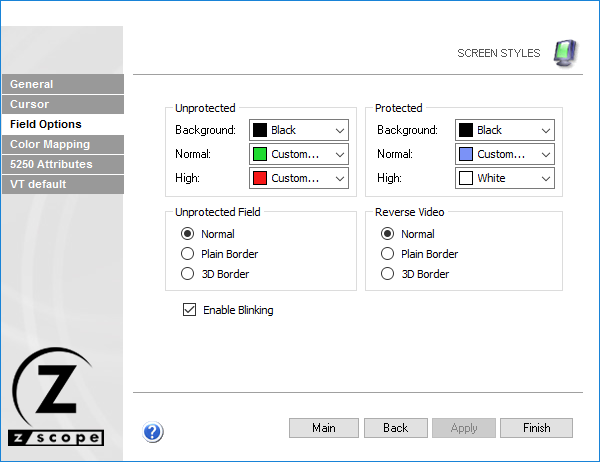
The following table describes the available options.
| Option | Description |
|---|---|
| Unprotected | Background and foreground color for normal and high intensity unprotected fields. |
| Protected | Background and foreground color for normal and high intensity protected fields. |
| Unprotected Field | Style for unprotected (input) fields: normal, plain border, or 3D. |
| Reverse Video | Style for reverse video attribute in the display emulation: normal, plain border, or 3D. |
| Enable Blinking | Makes the cursor blink when positioned in an input field. |
See Also
- Configuration Manager - Screen Styles - General Settings
- Configuration Manager - Screen Styles - Cursor Settings
- Configuration Manager - Screen Styles - Color Mapping Settings
- Configuration Manager - Screen Styles - 5250 Attributes Settings
- Configuration Manager - Screen Styles - VT Defaults Settings