
Customizing a Connection
If you wish to modify an existing connection from the web interface, select Settings in the start page view.
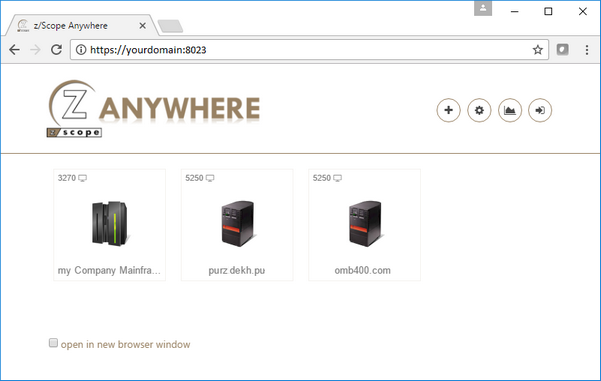
Choose your profile from the list on the top of the Connections settings screen.
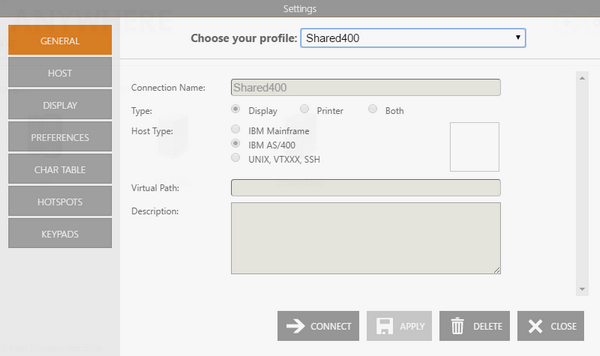
The image below shows a shared connection, in which the connection parameters can’t be modified. This kind of connection allows you to modify only your personal preferences (found in the Preferences, HotSpots, and Keypads tabs).
Right below you will see a private connection being edited. In this case, you will be able to modify all the parameters.
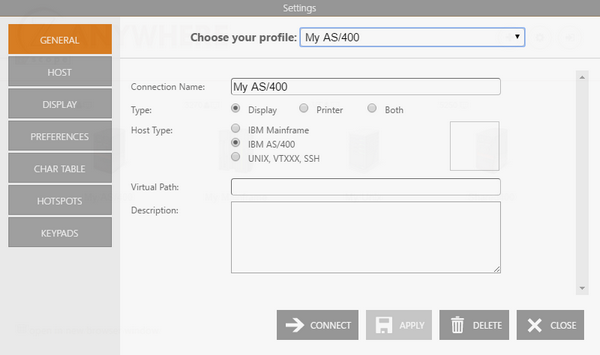
Remember to select Apply to save the changes.