
The Access Profile Wizard
The Access Profile Wizard is available to administrators or privileged users, and it allows them to create and configure Access Profiles. It guides the user through the basic configuration stages where only the essential parameters are required for the Access Profile to initiate a connection.
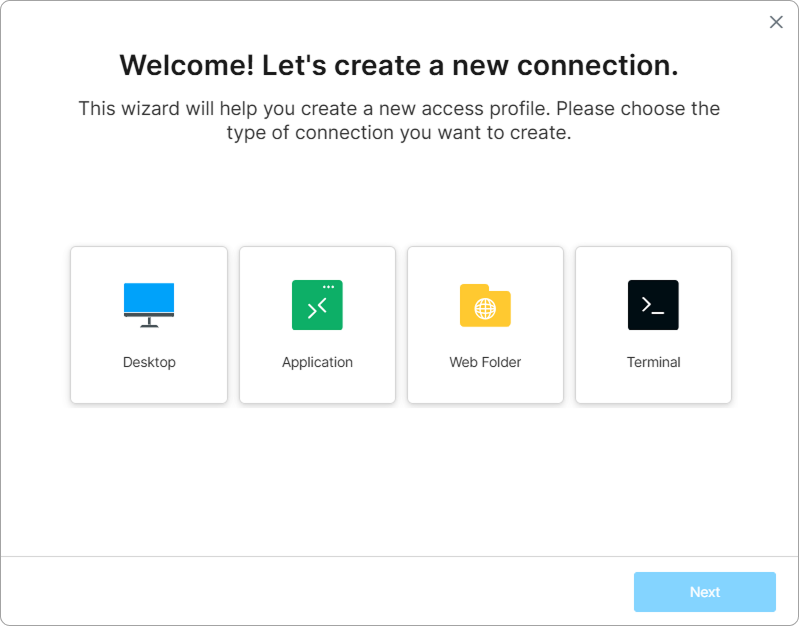
The wizard consists of the following steps:
- Selecting the connection category: Desktop, Application, Web Folder, or Terminal.
- Choosing the connection protocol or application type (e.g., RDP, VNC, or Thinfinity VNC for a Desktop; Remote App, Web App, VirtualUI App, or RBI App for an Application).
- Providing the connection details for the chosen type — for example, the target host for a Desktop or Remote App, the gateway URL and mode for a Web App, or the VDI/DaaS Model for an RBI App.
- Configuring authentication credentials, where the connection type requires them.
- Establishing access permission settings.
- Assigning a unique identifier to the profile.
Once these core settings are defined, the admin can customize the Access Profile using the associated Settings menu.
The following sections contain step-by-step instructions on how to publish different types of resources: