
Web Folder Access Profile
Web Folder provides a secure, web-based interface for accessing shared or private drives using WebDAV (Web Distributed Authoring and Versioning). It allows users to manage files remotely through a web browser. This eliminates the need for any client-side installation, making it a lightweight solution for file management across various platforms.
For details on how to create a Web Folder Access Profile, see Publishing Remote Folders.
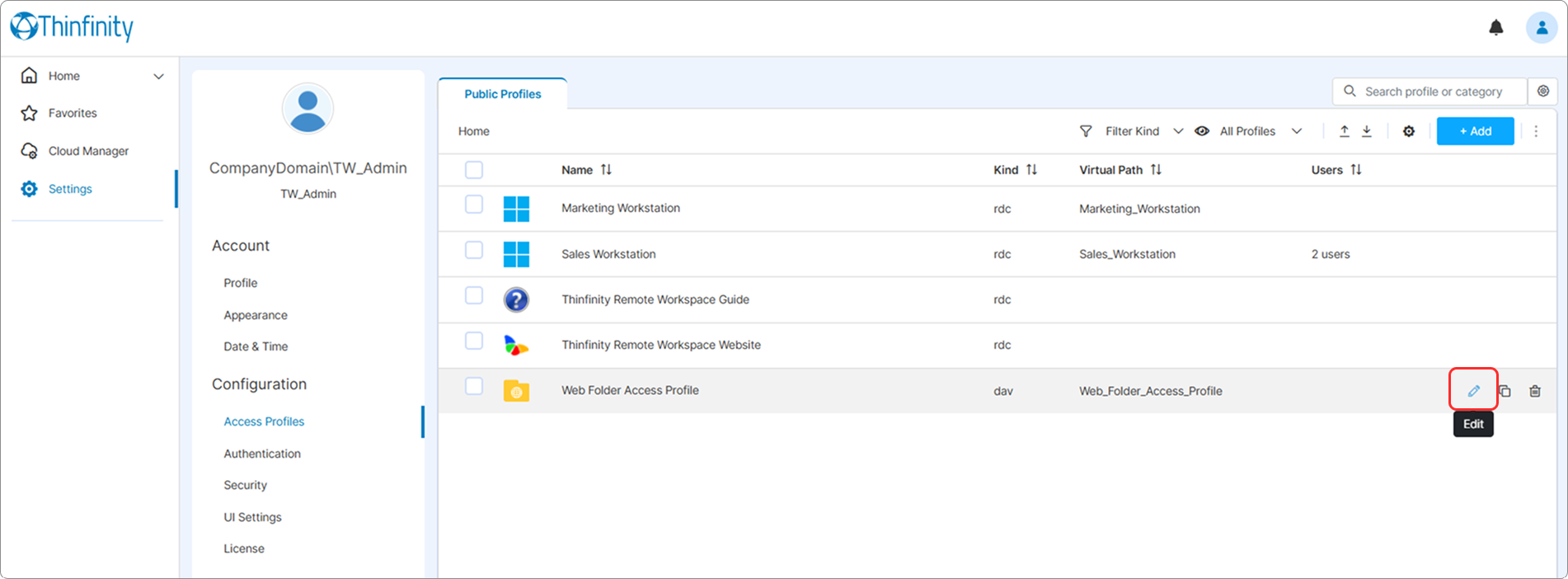
To access a Web Folder Access Profile settings: From the user menu select Settings then Access Profiles and in the Public Profiles tab, select the Edit icon of the Access Profile you want to edit.
The following options are available in the Web Folder Settings menu.
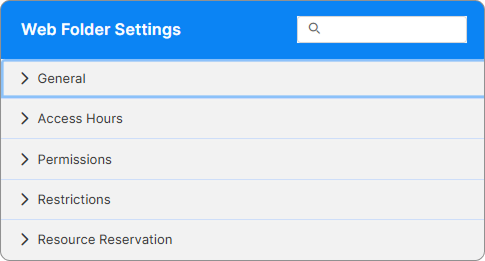
For details about basic configuration options, see Web Folder Core Settings.
For access control and user permissions, see Access Control Settings.