
Options
The Options group of the connection toolbar controls how the session is displayed and how input is handled.
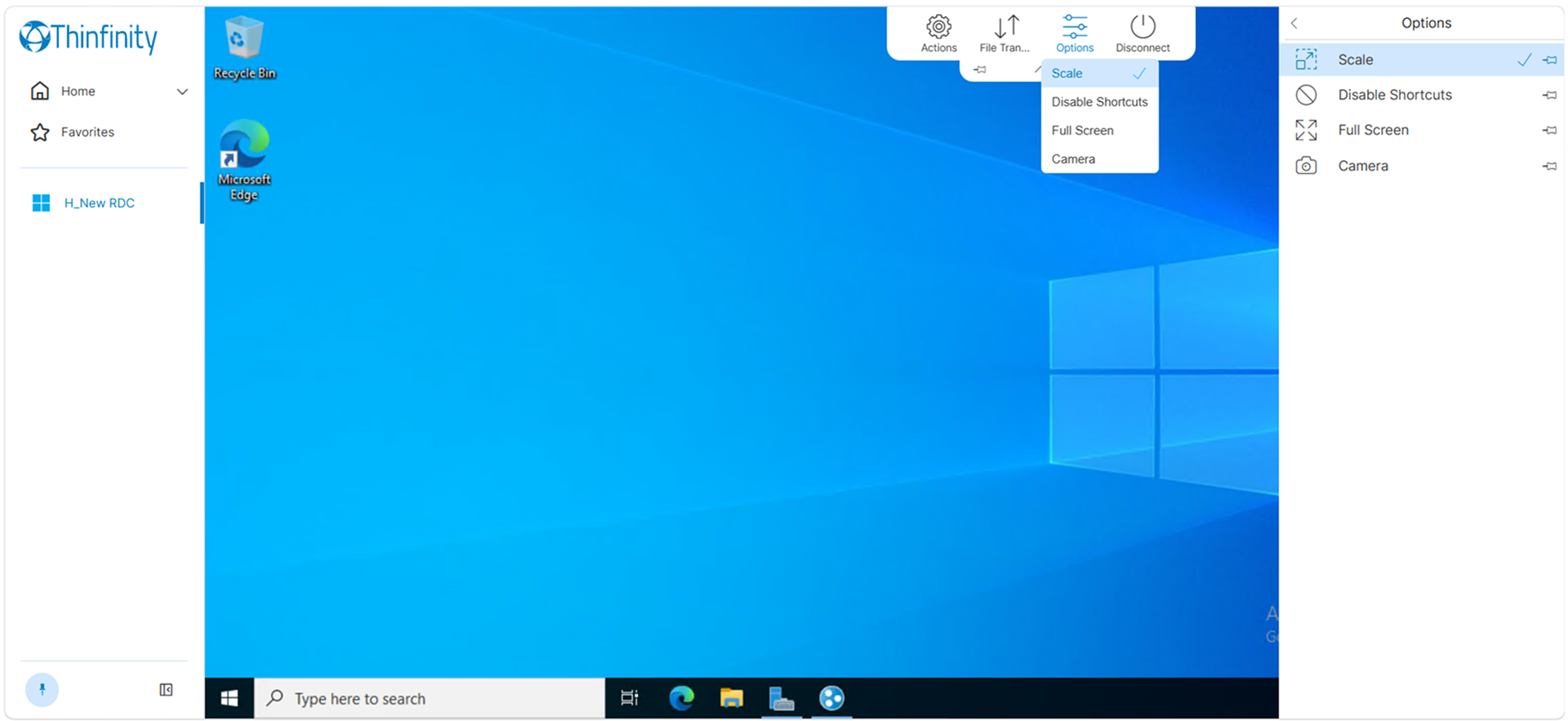
| Option | Description |
|---|---|
| Scale | Fits the session display to the available browser area. When active, a check mark appears beside the command. |
| Disable Shortcuts | Stops the browser from intercepting keyboard shortcuts, passing them to the remote resource instead. |
| Full Screen | Expands the session to the full screen. |
| Camera | Redirects a camera attached to the client device into the session. |
Reference
For how display dimensions are derived per device, see Setting Display Parameters Based on Device Capabilities. For device redirection, see Redirecting Devices.