
Domains Tab
The Domains tab holds the credentials that the AD Cache service (RemoteAD) uses to work with Active Directory: the service account for the host’s own domain, and the per-domain credentials for trusted domains.
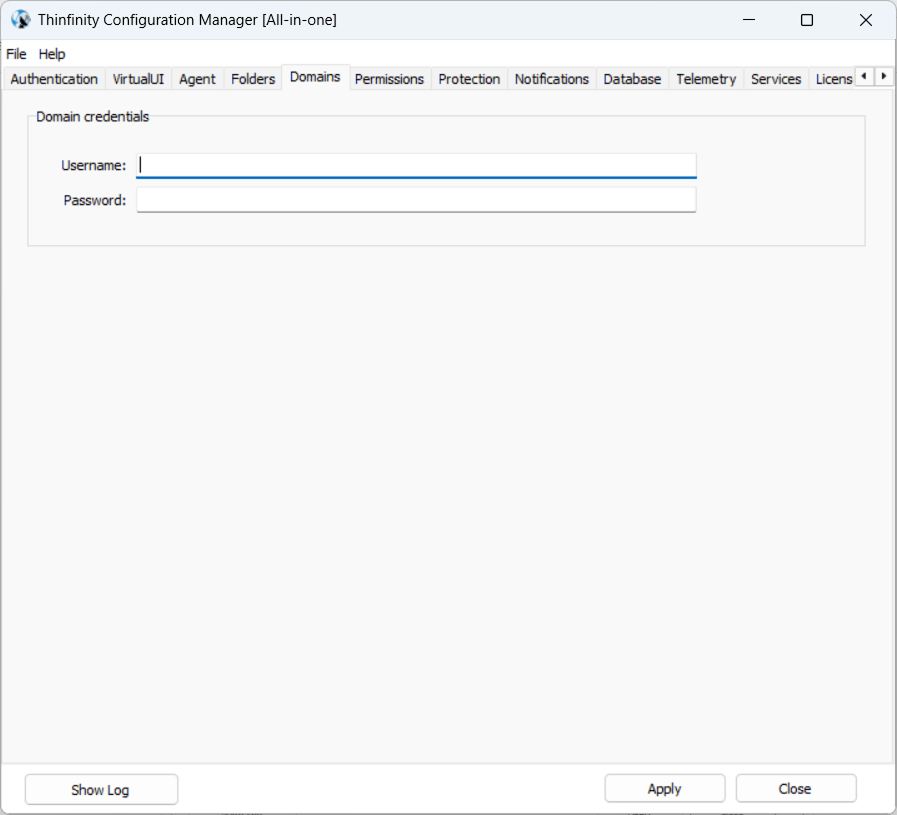
Domain Credentials
The Domain credentials group (shown as Domain credentials for <DOMAIN> on a domain-joined machine) takes the Username and Password of the account under which the service reads — and, if users and groups are managed from Thinfinity Workspace, writes — the directory.
If the fields are left blank, the service uses the Windows account that the service runs under.
This account does not need to be a domain administrator: grant it the specific Active Directory rights your deployment requires — see AD Cache — Service Account and Required Permissions.
Trusted Domains
The Trusted domains list shows the domain trusts detected for the host’s domain, each with a checkbox to include or exclude it from synchronization. The checkboxes are shown when the AD Cache service is enabled.
This group only appears when the host’s domain has trust relationships with other domains (as configured in Active Directory Domains and Trusts). Being joined to a domain is not enough: on a standalone domain with no trusts, the Domains tab shows the Domain credentials group alone. (Likewise, on a domain-joined machine the credentials group reads Domain credentials for <DOMAIN>; without a domain it reads just Domain credentials.)
Each trusted domain authenticates with its own credentials: select a domain and press Set Credentials… (or double-click it) to enter a Username / Password valid in that domain (the dialog reads Credentials for <domain>). The Username column reflects the account configured for each domain.
The Username / Password fields shown when editing an entry of the Directory Services list (under the Authentication tab) are a different setting: they belong to API Authentication — the credentials the Broker uses to call the AD Cache endpoint — not to the domain service account configured here.