
External Domain Settings
The External Domain option within the Directory Services tab is used to integrate identities from an external network or a different domain environment into your Thinfinity® Workspace installation.
While a standard Directory Service (like Local Windows Users) looks at the machine itself, the External Domain setting allows the Broker to reach out and recognize users from a completely separate trust boundary.
It acts as a bridge that allows Thinfinity Workspace to “see” and validate users who are not part of the local server’s host environment and lets the admin define which specific external sources are trusted to provide identities that will later inherit permissions from your local groups.
To access the External Domain settings, select Configuration Manager>Authentication>Directory Services and select Add, then select External Domain.
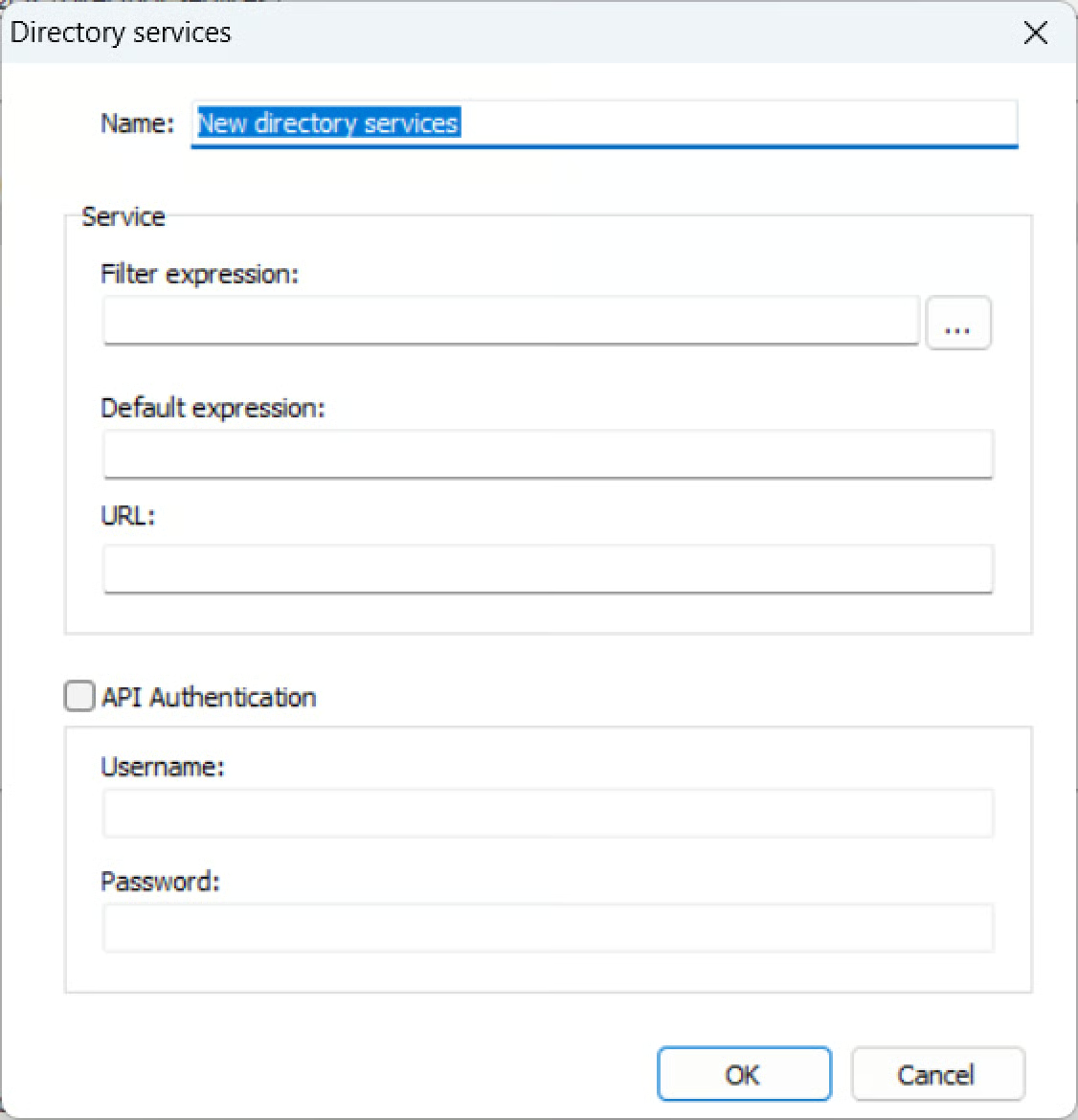
The following parameters are available:
| Option | Description |
|---|---|
| Name | Enter the name of the external domain you are connecting to the Thinfinity Workspace installation. |
| Filter Expression | Select the button to define the filter expression. These fields ensure that when a user logs in, the system correctly identifies which domain they belong to so it can apply the correct ID Pattern and Association settings. NetBIOS Domain: This is the “pre-Windows 2000” or short name of the domain (e.g., CORP). It is typically used for legacy compatibility or in login formats like DOMAIN\username.DNS Domain: This is the fully qualified domain name (FQDN) used by modern network services (e.g., corp.example.com). It is used in login formats like username@corp.example.com (UPN). |
| Default Expression | Rewrites a bare (unqualified) username into a fully-qualified one so the Filter Expression regex can match. Applied only when the user types a login without a domain prefix. Enter a NetBIOS-style prefix such as CORP\, or a $1=<prefix>,$2=<suffix> substitution pattern for both prefix and suffix. |
| URL | The virtual path under which the external AD Cache registered on the Gateway. It is completed automatically as /__ds@<domain>__/dirsvc/base/ when the NetBIOS name is set in the Filter Expression. |
| API Authentication | Selecting this option will enable two additional fields where you can enter the credentials for the API Authentication client. |