
Authentication Methods
The Authentication Methods tab displays the authentication method(s) currently in use in your Workspace installation and allows adding and configuring new ones. At the first login, the default authentication method is displayed - Directory Services.
For details on the available directory services and how to select one, see Directory Services tab.
Selecting Add will display the list of authentication methods that can be configured for your Thinfinity® Workspace installation.
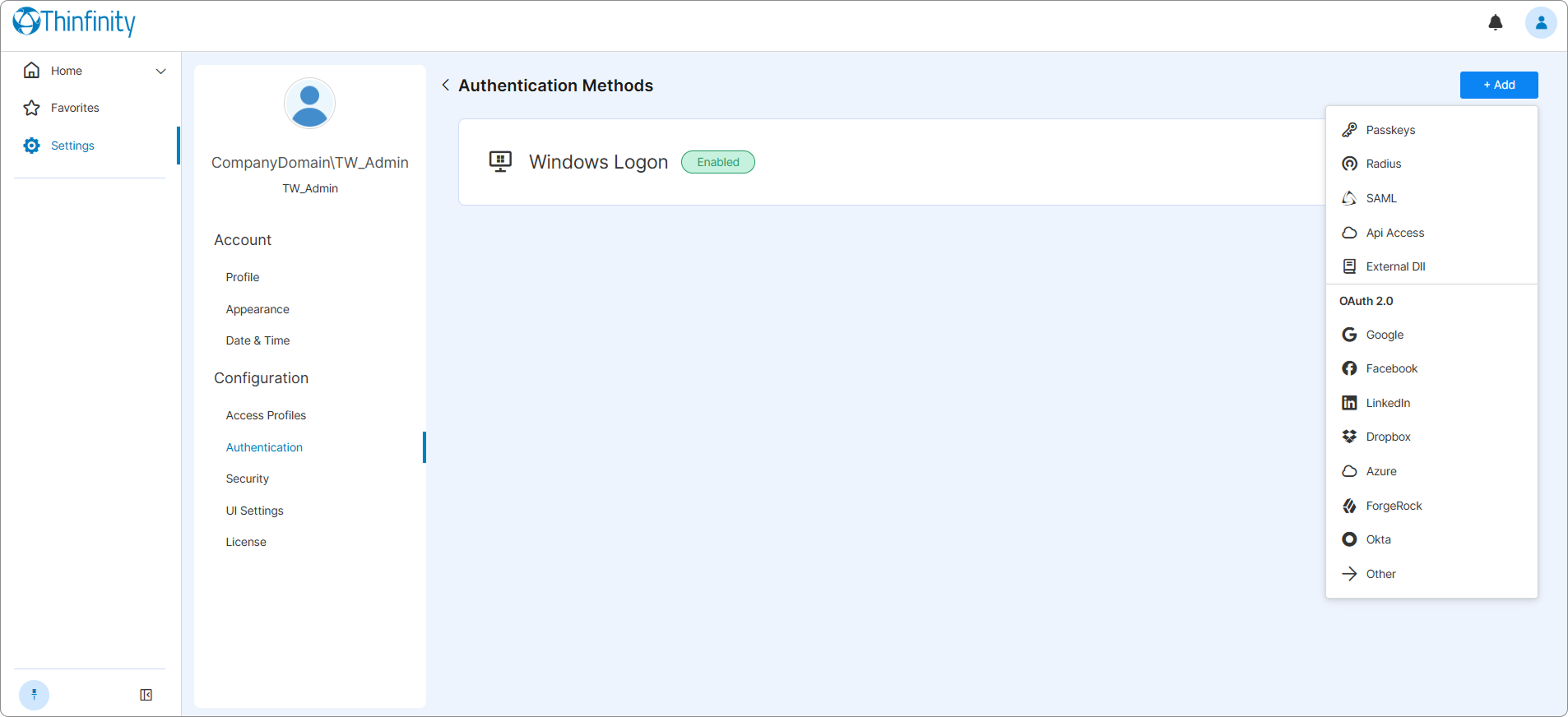
Once an authentication method is added to the list, it can be edited, disabled or removed by selecting the associated three-dot button and selecting the corresponding option.
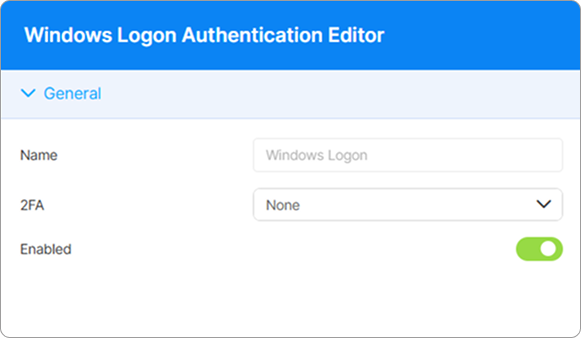
The authentication method details are displayed as in the following image.
See the following section for details on the parameters available for each authentication method.