
Agent Tab
The Agent tab in Thinfinity Configuration Manager allows you to configure the Virtualization Agent parameters.
Reference
For details on this architecture component, see Virtualization Agent.
The following options are available in the Agent tab.
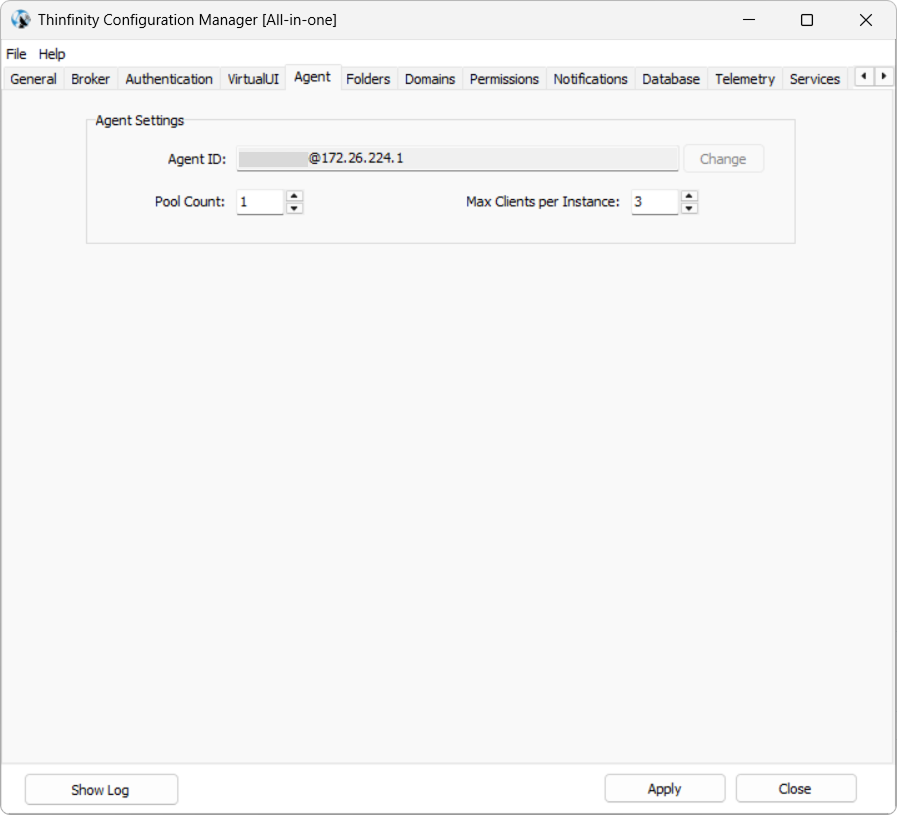
| Option | Description |
|---|---|
| Agent ID/Change | This field shows the Virtualization Agent ID (IP). Use this value when creating an Access Profile that allows connecting to the server where your component (Gateway or Primary/Secondary Broker) is installed. |
| Pool Count | Specifies how many pools should be started beforehand to make access available without initial delay. |
| Max Clients per Instance | This field is completed with the default number of clients supported per instance. Modify if applicable. |