
Two-Factor Authentication
Thinfinity® Workspace currently supports the following 2FA methods:
- TOTP - a temporary, unique code generated based on the current time and a shared secret key. It is used in 2FA systems to verify a user’s identity. The TOTP is valid for a short period (usually 30 or 60 seconds) and changes automatically after each interval.
- Duo - a 2FA authentication solution that helps organizations boost security by verifying user identity, establishing device trust, and providing a secure connection to company networks and applications.
- RADIUS MFA - offers an offline two-factor authentication solution by using an appliance to verify TOTP codes. This method ensures a secure and provider-independent approach, particularly advantageous for government environments.
To access Two-Factor Authentication configuration settings: in the main Thinfinity Workspace page, select the user profile to access the user menu and select Settings. Next, navigate to Configuration>Authentication>Two-Factor Authentication.
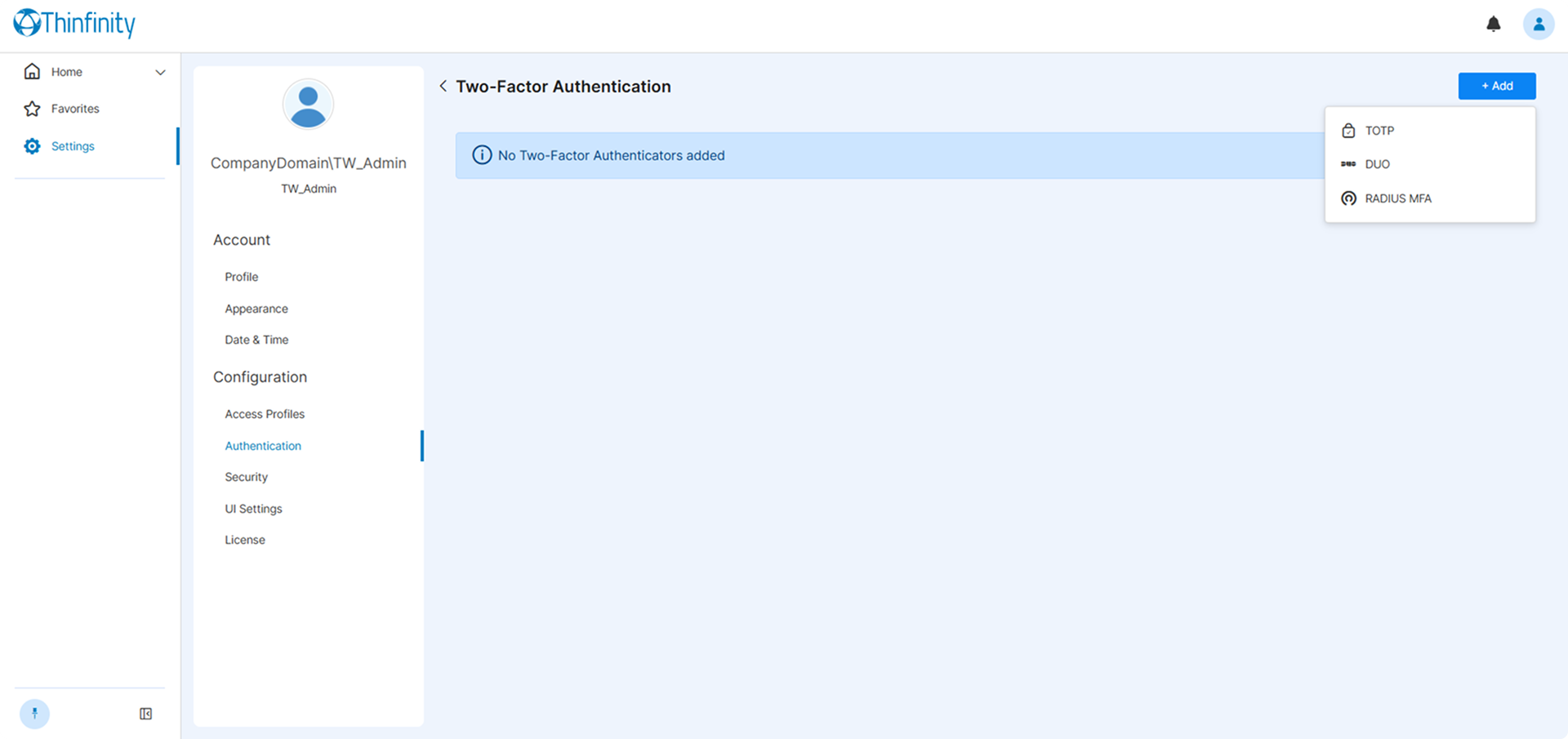
Selecting Add will display the available two-factor authentication methods.
Once a method is added, selecting the three-dot button to the left allows editing the details of the method, disabling or removing it.
See the following sections for details on the configuration options.