
License
The License section allows registering a license for your Thinfinity Workspace installation.
To access the License settings: in the main Thinfinity Workspace page, select the user profile to access the user menu and select Settings then, navigate to Configuration>License.
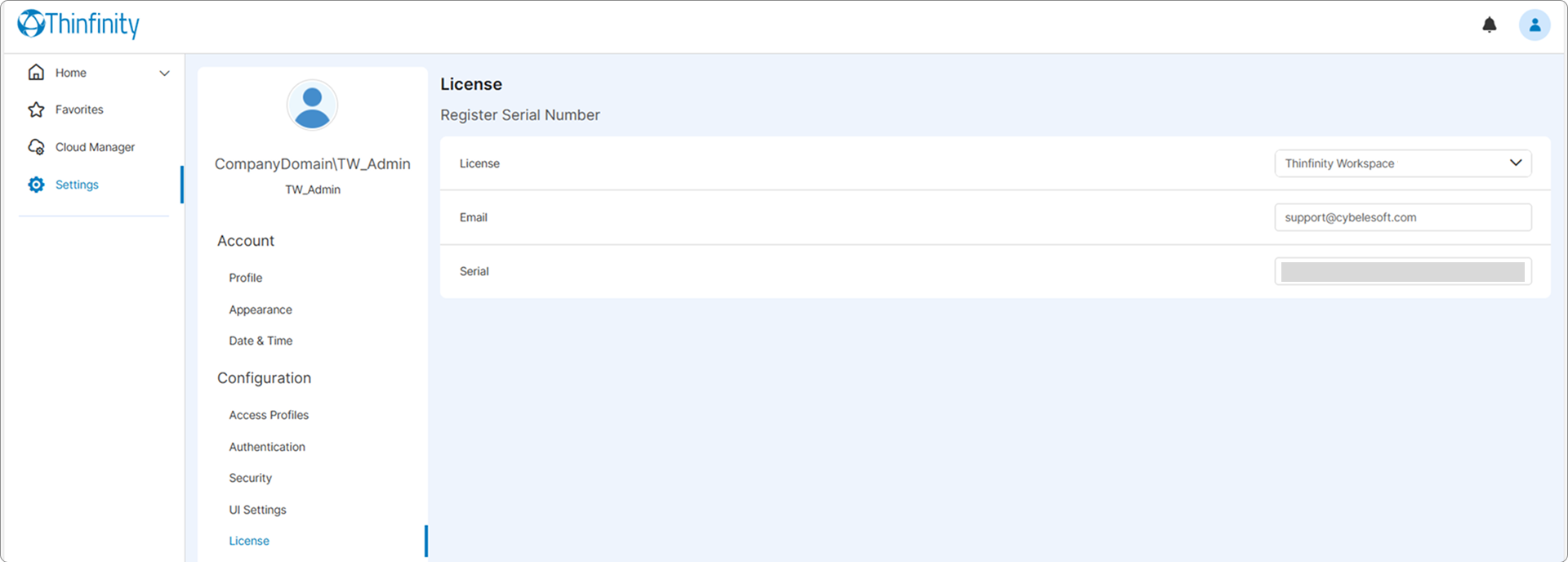
The following options are available:
| Option | Description |
|---|---|
| License | Shows the valid Thinfinity Workspace version for the current license. |
| Shows the Cybele Support email address you used to get the license. | |
| Serial | Shows the serial number you used to activate the current Thinfinity Workspace installation. |