
External DLL Settings
To access External DLL configuration settings: in the main Thinfinity® Workspace page, select the user profile to access the user menu and select Settings. Next, navigate to Configuration>Authentication>Authentication Methods, select Add and choose External DLL.
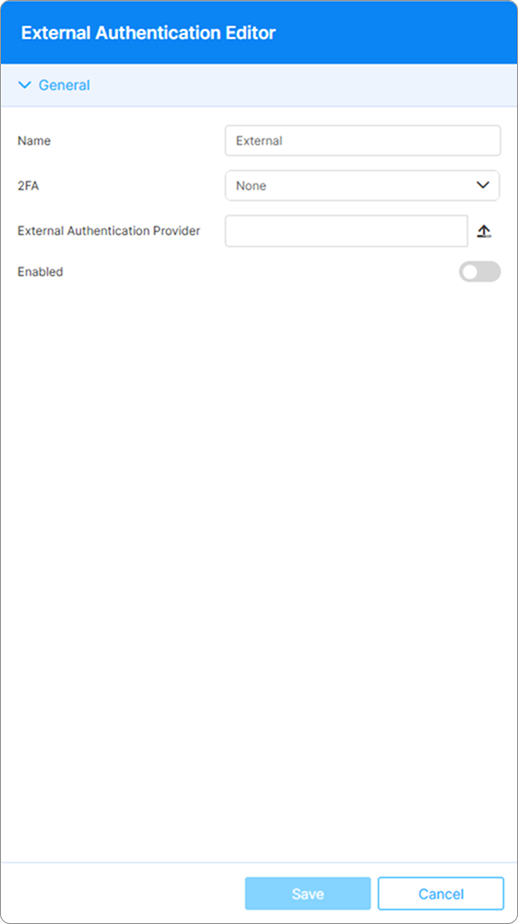
The following options are available:
| Option | Description |
|---|---|
| Name | The name is assigned by default for easy identification within the system, it cannot be edited. |
| 2FA Method | If 2FA methods have been enabled for the current installation, this field displays the enabled methods. For details, see Two-Factor Authentication. |
| External Authentication Provider | Path to the DLL managing access to the credentials database. |
| Enabled | This option is selected by default when adding the authentication method. |