Preparing a Remote Desktop for H.264 Support
To enable H.264 on the remote desktop, you need to enable three policies in the Windows Group Policy Editor. To do that, follow these steps:
1
Access Windows Group Policy Editor
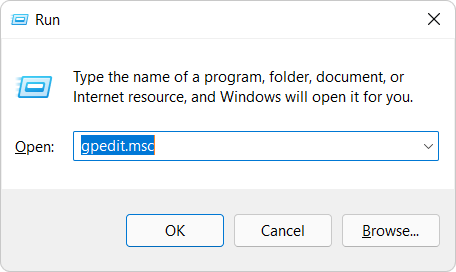
Run gpedit.msc to access Windows Group Policy Editor:
2
Edit Group Policies
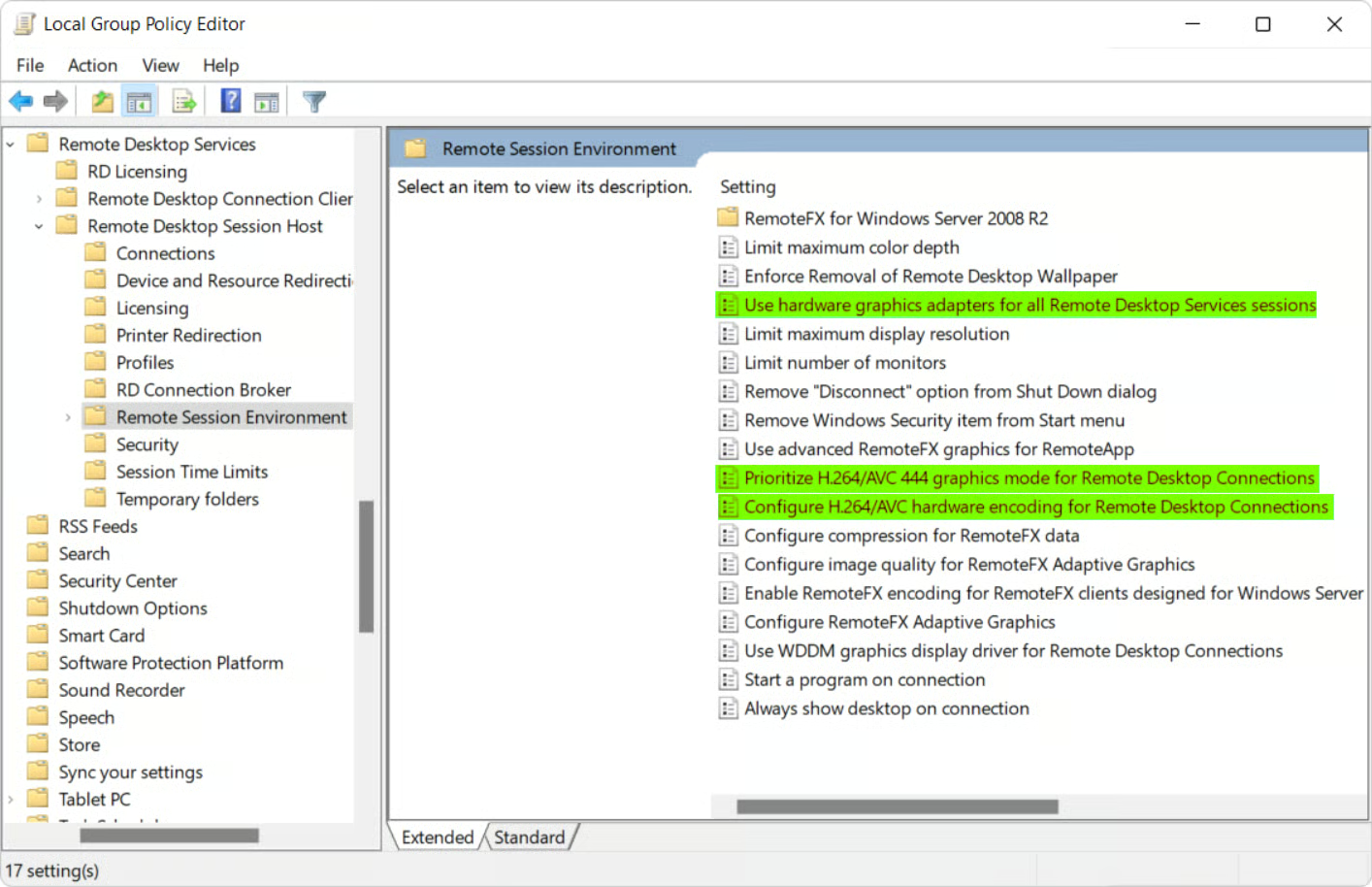
In Windows Local Group Policy Editor, navigate to Computer Configuration > Administrative Templates > Windows Components > Remote Desktop Services > Remote Desktop Session Host > Remote Session Environment.
Next, enable the following policies:
- Use hardware graphics adapters for all Remote Desktop Services sessions
- Prioritize H.264/AVC 444 graphics mode for Remote Desktop Connections
- Configure H.264/AVC hardware encoding for Remote Desktop Connections
3
Update Group Policies
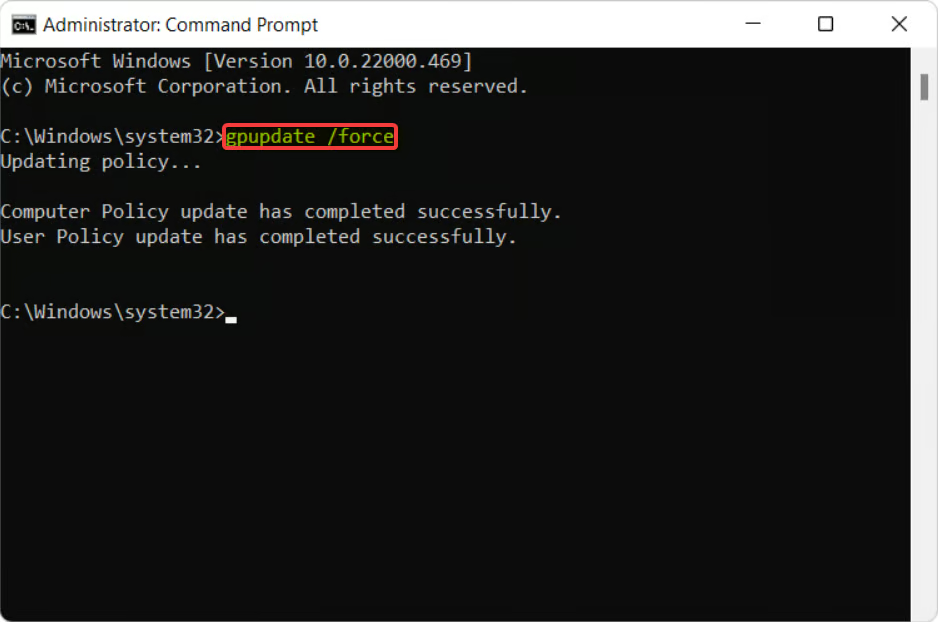
Open a Command Prompt window as administrator and run the command gpupdate /force to update your group policies: