Account
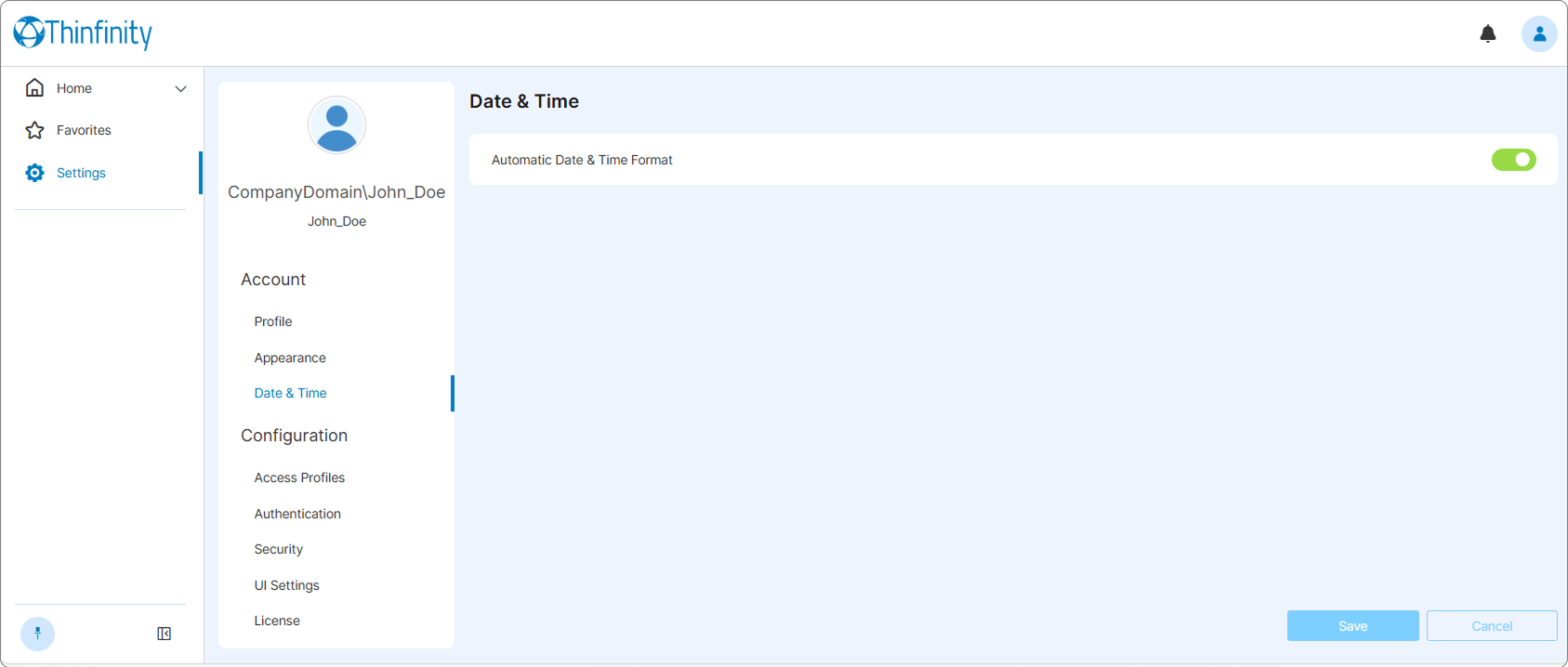
The Account section allows you to manage different aspects related to your account such as your name and password, the appearance of Thinfinity® Workspace UI or the format used to present the date and time.
To access the Account settings, select the user profile icon at the top right of the Thinfinity Workspace home page to display the user menu and from the available options select Settings.
Profile
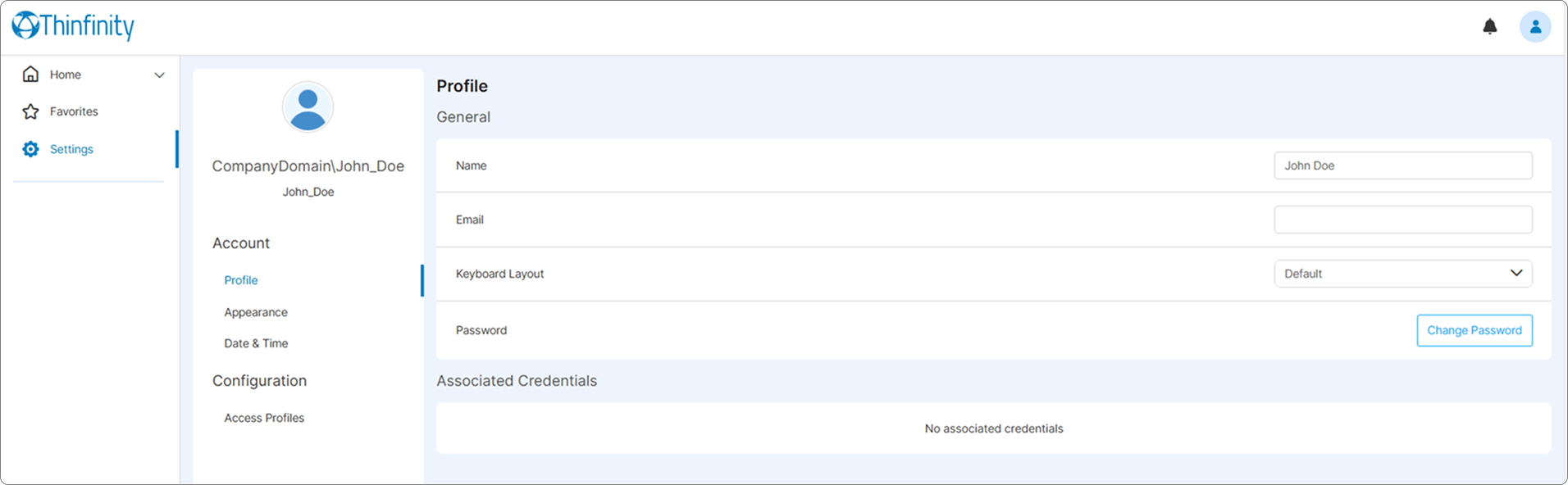
The Profile section allows the user to configure general settings related to their user profile such as the profile name, the email address, the keyboard layout or the password for the account. Associated Credentials area displays the identities currently associated to the current account.
For details, see External Identity Mapping and Identity Mappings.
Appearance
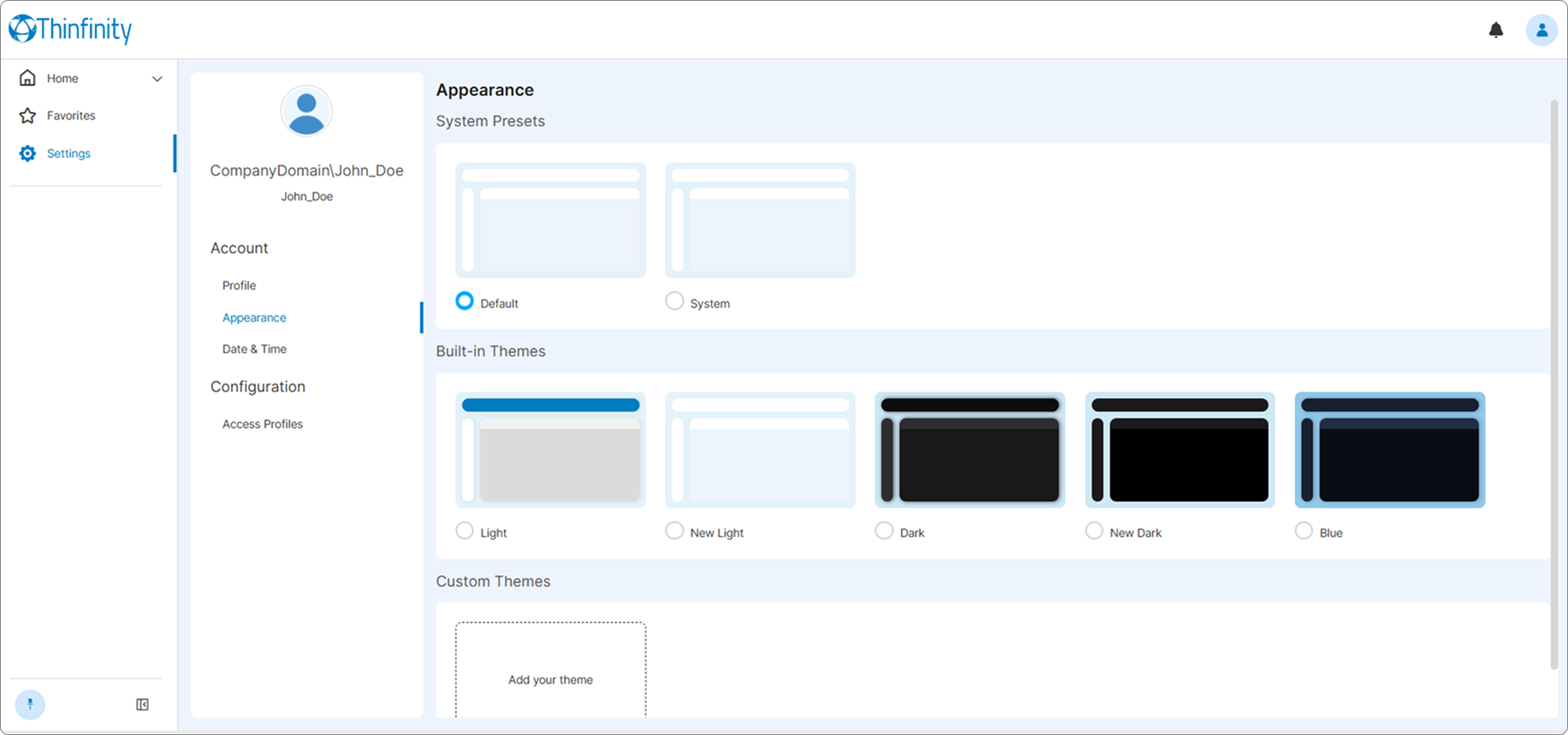
The Appearance section allows the selection of the visual theme for your Workspace. End users can choose from the available System Presets and Built-In Themes, when permitted by the configuration.
Custom themes are optional and defined by the administrator. They are typically used to align the Workspace interface with corporate branding and cannot be configured or selected by regular users. Custom themes must be created, installed, and managed on the server side by an administrator.
For details on how to create a custom theme, see Theme customization API in Thinfinity Workspace in our online Knowledge Base.
Date and Time
The Date & Time section allows you to select a different format than the one used by default in Thinfinity Workspace.